 blog
blog
TackPay vs Busk.co: Cashless Tipping Compared
Updated 11 October 2026. Based on the official product pages linked below; this is a document-based comparison, not a timed checkout test.
If you are comparing TackPay vs Busk for cashless tipping, start with the supporter’s actual payment journey and the amount you receive. Both offer QR-based access to online tipping, and both provide more than a bare payment link.
Here, “Busk” means Busk.co, The Busking Project. TackPay serves individual tipped workers and teams across several industries, including performers. Busk.co is focused on street performers, their profiles and cashless support.
This article is published by My Fedora, which also offers artist profiles and online support checkout. Our aim is to explain the practical differences fairly so you can choose a setup that fits your act.
TackPay vs Busk.co at a glance
Question | TackPay | |
|---|---|---|
Who is it designed for? | Individual tipped workers, performers and teams | Street performers and their audiences |
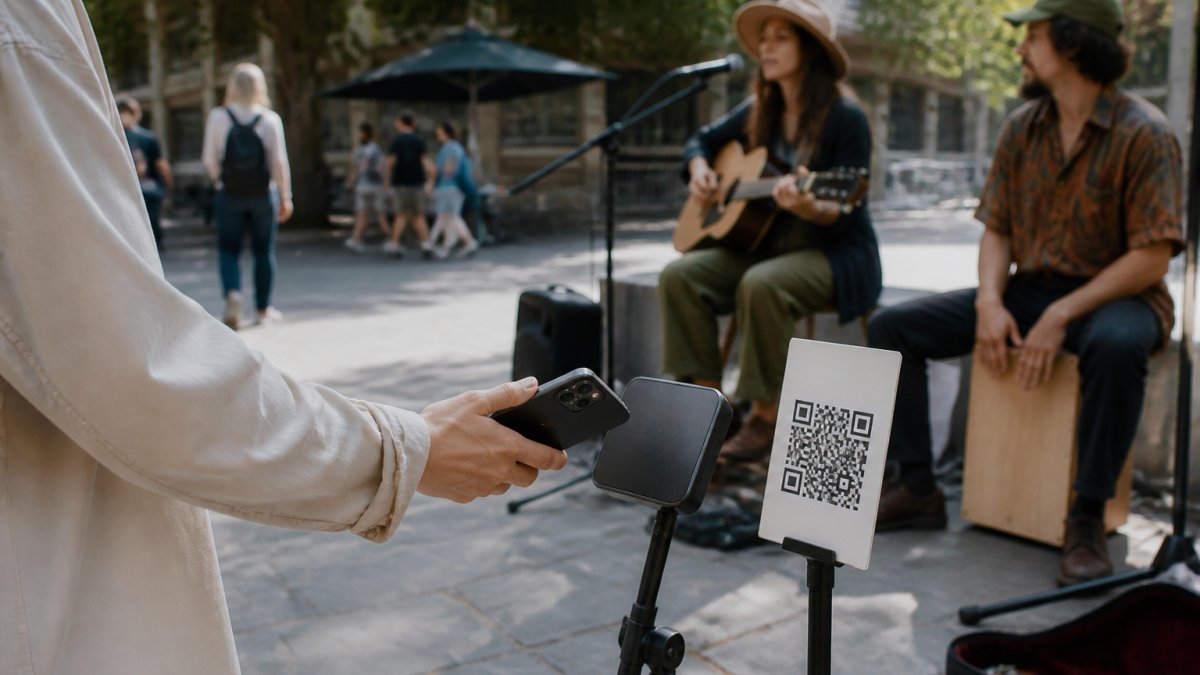
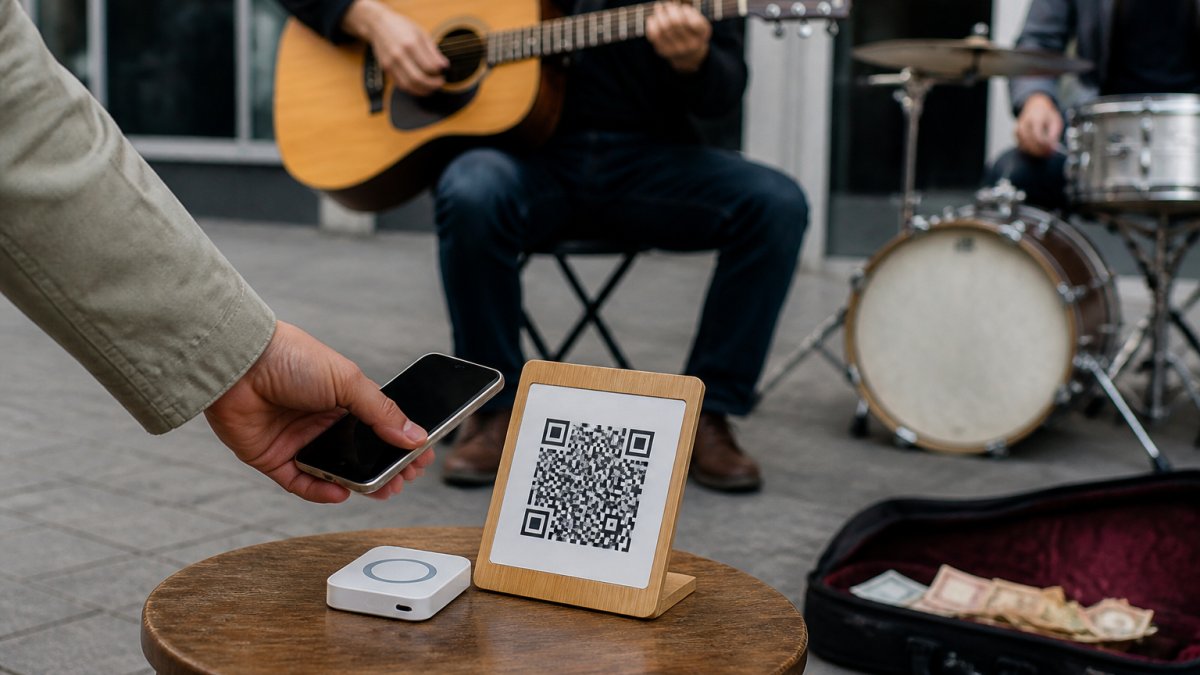
Can supporters use a QR code? | Yes, with personal or shared-jar options | Yes, including BuskPay signs linking to a tip page |
Does it offer a profile? | Yes; its artist page describes a photo, bio and username | Yes; performer profiles sit alongside tipping and music features |
Is it only for individual tips? | No; shared jars and tip splitting are documented | Its public guidance centres on supporting individual performers |
Does a scan complete payment? | No; the supporter completes online checkout | No; the supporter completes online checkout |
What should you check about costs? | The applicable country, currency and account fee schedule | Current tip fees, supporter fee choices and any optional membership |
There is no sound basis for declaring one universally faster from those features alone. The checkout you use, the supporter’s phone, the available payment methods and mobile coverage all matter.
How TackPay works for a performer
TackPay’s artist page describes creating a profile, adding a photo and bio, choosing a username and downloading a QR code. It also describes a digital balance with funds becoming available for withdrawal after processing.
That makes it inaccurate to describe TackPay as having “no profile”. Its official FAQ also explains that social links can be shown to tippers and that shared jars can distribute tips between participating members.
Those team features may be useful if several people perform together and want a defined allocation process. Before relying on them, check the applicable account requirements and agree with your group on how tips will be divided.
A supporter can tip through the web without downloading an app. That convenience does not remove the performer’s onboarding obligations: TackPay documents identity verification through its payment provider. Complete setup before treating a QR code as ready for public use.
How Busk.co works for a performer
Busk.co’s official FAQ describes performer profiles, cashless tips, hiring and music sales. That performer focus may appeal if you want your online presence connected to a busking community.
It is also inaccurate to say supporters must browse a full profile before tipping. The BuskPay sign guide explains that an activated sign takes the supporter to the performer’s tip page. A profile link and a tipping link can serve different purposes.
Busk.co’s published setup guidance describes connecting payment details through Stripe. Available payment choices depend on the account and the supporter’s device. Check the options actually offered in your setup rather than assuming that every method mentioned on an older help page will appear for everyone.
For a performer comparing platforms, the useful test is therefore the exact sign or link you plan to display—not a general impression of the platform’s homepage.
Compare fees using the same tip amount
“Free to join”, “no monthly subscription” and “no transaction costs” are different claims. A service can have no monthly bill while still deducting fees from each tip or offering the supporter an additional fee contribution.
TackPay: check the country-specific schedule
The English individual pricing page reviewed for this article lists a Starter plan with no monthly subscription and a charge of 5% plus £0.25 per processed tip, excluding VAT. It says the tipping customer can choose to cover the transaction cost.
This is a GBP-denominated example from that page, not a verified Australian-dollar quote. Use the schedule applicable to your country, currency and profile type. Do not substitute a generic payment-processor percentage for the platform’s published charge.
Busk.co: reconcile the published guidance with your account
Busk.co’s public fee explanations contain differing figures. Its pricing explainer describes a 7% deduction when the tipper does not cover fees, while the BuskPay sign guide describes 5%. These are older pages, so neither figure should be presented as a universally confirmed current rate.
Before deciding, check the fee shown in the current checkout and your account terms, or ask Busk.co to confirm the applicable arrangement. Also distinguish tipping costs from music-sale charges, optional memberships and the cost of a physical sign.
A practical comparison worksheet
For each platform, record the following for the same small and larger tip amounts—for example A$2, A$5 and A$10 when supported:
- The amount selected for the performer.
- The total the supporter is asked to pay.
- Any optional contribution and its default setting.
- The fee deducted if that contribution is declined.
- The amount credited to the performer.
- When the balance becomes available and when a bank payout occurs.
A fixed charge matters proportionally more on a small tip. For illustration only, 30 cents is 15% of a $2 tip before any percentage-based fee. This is arithmetic, not a quote from either provider.
Test the supporter experience before switching
Keep your working setup while you compare alternatives. Use your actual display in the place you perform and walk through the journey as a first-time supporter.
- Scan the QR. Check that it opens the intended performer and tipping destination.
- Read the first screen. Is your identity clear, and is the next step obvious?
- Inspect the payment choices. Test the devices your audience uses; a wallet button on one phone does not prove it appears on another.
- Review the total. Check how optional extras are explained and whether they are selected by default.
- Complete a small test payment. Confirm it in your account records, including fees and payout status.
- Check the return path. Make sure interested listeners can find your music or social links without confusing that task with tipping.
Do not judge speed by a promised setup time. Account verification and a real checkout test are more useful than a claim that a platform takes five or twenty minutes to configure.
Do either of these QR options work without internet?
The online checkout needs a connection on the supporter’s phone. Mobile data can provide it, so public Wi-Fi is not essential. Scanning a printed code alone does not authorise a payment or store it for later processing.
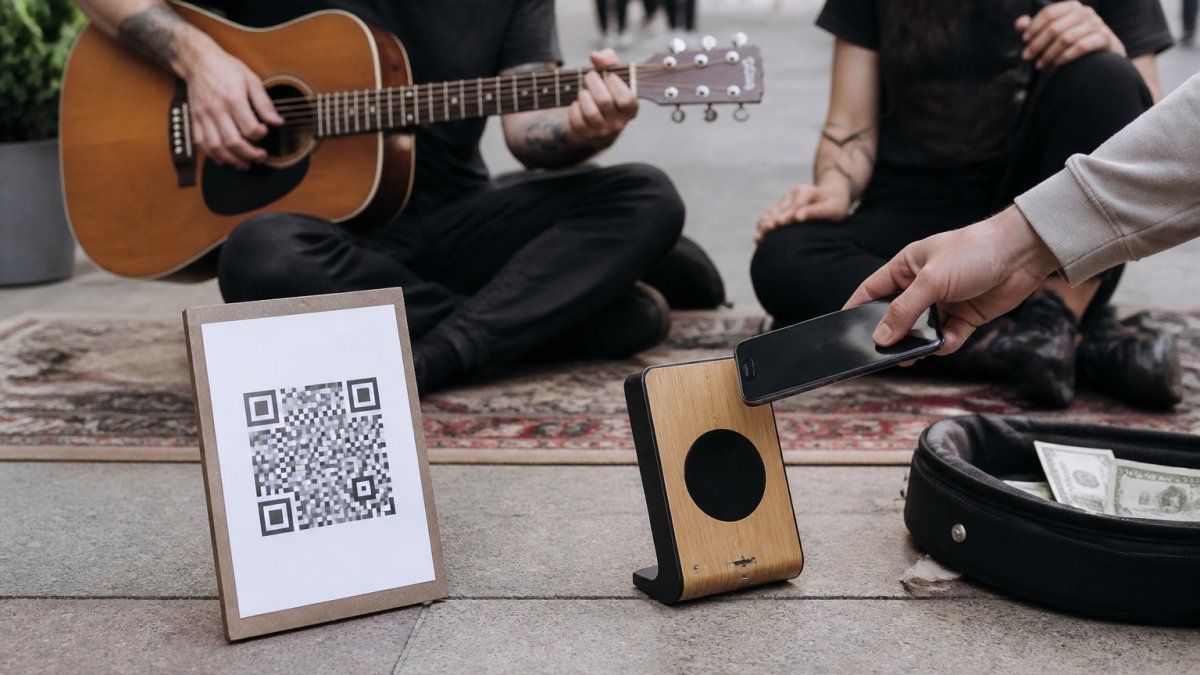
Test coverage at the actual pitch, especially at crowded events. Keep the QR clean, readable and reachable without obstructing the performance space. A short written link can help someone return later, but a saved link is not a completed tip.
For more detail, read our guide to accepting tips without Wi-Fi and our QR display guide.
Where My Fedora fits in the comparison
My Fedora gives artists an online profile and a support checkout. The profile brings together your story, work and social links. Your support QR opens checkout directly.
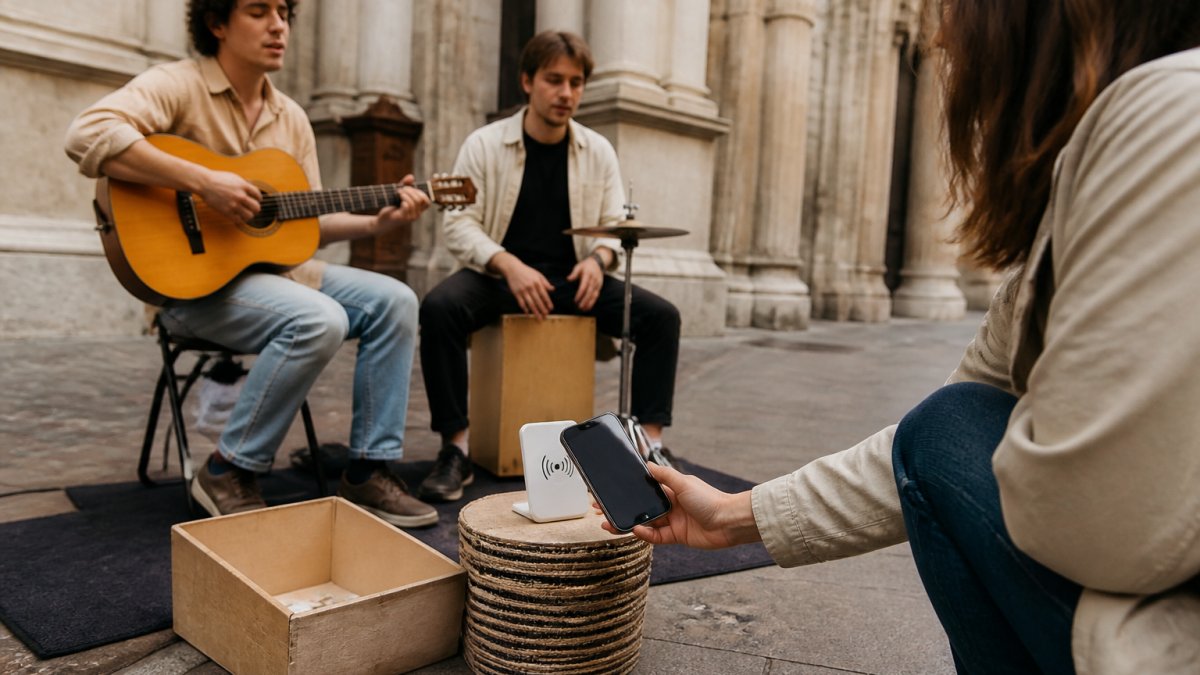
Halo Pulse provides an optional smartphone NFC/QR tap-to-support access point. A compatible phone opens the artist’s online checkout, and the supporter completes payment there. It is not a bank-card reader. The supporter’s phone needs internet access; Halo Pulse does not store card details or create offline transactions.
My Fedora deducts 0% from the selected artist-support amount. Ordinary payment-provider fees may apply. Any additional supporter contribution to My Fedora is optional and unchecked by default. Hardware purchases are separate from the platform-fee question.
Which should you choose?
Shortlist TackPay if its individual or team tipping workflow matches how you perform. Shortlist Busk.co if its street-performer focus and profile features are useful to you. Consider My Fedora if you want an artist profile alongside a direct support checkout, with QR access and an optional Halo Pulse display.
Choose after checking local eligibility, actual fees and a completed test payment. You do not need to replace a reliable setup just because another platform offers a longer feature list.
Explore My Fedora and create your artist support page to see how it fits your next performance.
Frequently Asked Questions
Does TackPay have an artist profile?
Yes. TackPay’s artist page describes a photo, bio and custom username. It should not be described as a QR code with no profile. Check the current personalisation options in the account you intend to use.
Does a Busk.co QR code always open the full artist profile?
No. Busk.co’s BuskPay guide explains that an activated sign directs the supporter to a tip page. Test the exact QR code or link you will display rather than assuming every link has the same destination.
Which is cheaper: TackPay or Busk.co?
There is no reliable universal answer from the published pages alone. TackPay’s rates depend on the applicable schedule, and Busk.co’s older public guides contain differing fee figures. Compare the same tip amounts using current local terms, including the outcome when a supporter declines an optional fee contribution.
Can QR tipping work without Wi-Fi?
Yes, if the supporter’s phone has mobile data or another internet connection. The online checkout still needs internet access. A printed QR code or My Fedora Halo Pulse does not store or queue offline card transactions.