 blog
blog
TackPay vs Kwick for Buskers: What to Verify
Updated 29 October 2026
Searching for TackPay vs Kwick for buskers? Start by confirming which Kwick product you mean. TackPay publishes a dedicated artist-and-busker page. The official Kwick tipping service we could identify is KwickPOS's scan-to-tip offering, presented as part of a broader payments and point-of-sale business.
Those are different starting points. This guide compares the published information and gives you a practical way to assess each service before printing signs or moving your tips. We could not verify a separate Kwick-branded busker platform, so we do not assume that it offers artist profiles, Australian onboarding or the same account structure as TackPay.
This guide is published by My Fedora, which also offers artist profiles and cashless support. Provider information was reviewed on 29 October 2026; a published feature is not a guarantee of eligibility for your account or country.
TackPay and KwickPOS: what the official pages establish
Question | TackPay | KwickPOS scan-to-tip |
|---|---|---|
How is the service presented? | Dedicated information for artists and buskers, alongside other tipping use cases. | Cashless tipping within a broader POS and payments offering. |
Is QR tipping described? | Yes, including a downloadable artist QR. | Yes, the page describes scan-to-tip. |
Is a personal artist profile described? | The artist page describes a photo, biography and custom username. | We did not find equivalent artist-profile details on the tipping page. |
What pricing information is available? | Individual and business pricing pages describe different plans and transaction charges. | The tipping page displays plans organised around QR codes, users and sites. |
What still needs confirmation? | Your account's country eligibility, applicable fees and payout terms. | Solo-busker eligibility, country support, complete processing costs and account requirements. |
1. Confirm the exact service before comparing it
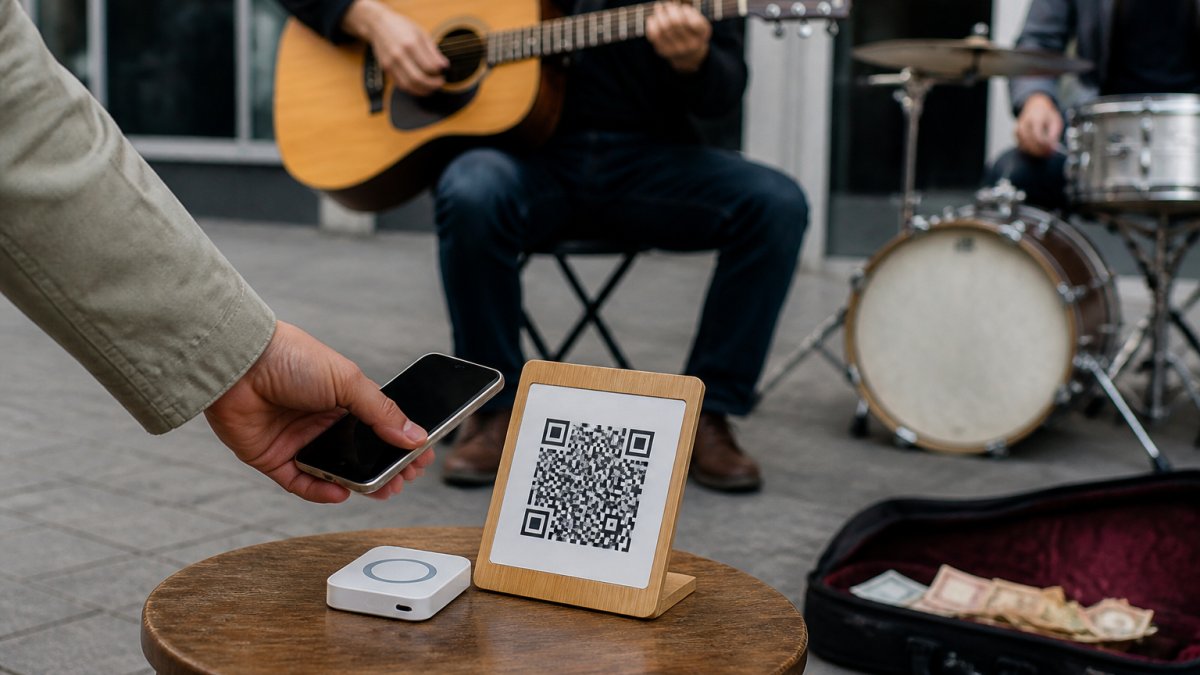
TackPay's artist page explains a recognisable street-performance setup: create an account, personalise a profile and download a QR code to display or share.
The KwickPOS cashless tipping page advertises QR tipping and a plan structure, while its enquiry form asks for business details. That establishes a scan-to-tip offering, but does not establish that a solo performer can register in every country or receive the same features as a hospitality business.
If someone recommends “Kwick,” ask them for the exact website and a working example. Similar names, QR ordering products and card terminals can lead to very different services. A missing feature on a public page is an unanswered question, not proof the feature is unavailable.
2. Compare the fees that apply to your own tips
A subscription and a processing charge are different costs. A free monthly plan can still deduct money from each payment, while an inexpensive business plan may include features a solo performer does not need.
TackPay's individual pricing page describes a no-monthly-subscription starter option with per-tip costs. Its FAQ directs users to pricing for their currency. Do not convert a published sterling or euro example into an Australian quote, or treat an older fee document as your current agreement.
KwickPOS's displayed plan prices alone do not establish the full cost of processing a busker's tips. Request the processing agreement and any recurring, payout or account charges that apply to you.
Compare the same example with each provider:
- Twenty A$5 tips: A$100 in gross support.
- One hundred A$2 tips: A$200 in gross support.
- A month with no tips, to reveal any continuing subscription costs.
These are sample workloads, not earnings forecasts. Calculate the net amount using each applicable percentage, fixed charge and recurring fee. Fixed charges can make small tips proportionally more expensive. Our guide to busking transaction fees explains the calculation.
3. Check who receives the money and when
Ask how your account is established, whose name appears at checkout and on the receipt, and which company handles payouts. “A supporter paid” and “the money reached my bank” are different stages.
Confirm the payout schedule, any minimum withdrawal, verification requirements and what happens when a payment is refunded or disputed. If you perform as a group, establish who controls the account and whether you need shared-tip functionality.
Do not choose a service on a headline promise of instant payments. Review the terms for your account before relying on it for a performance.
4. Test the supporter journey on a phone
Use a real example checkout or your own completed setup. A QR code being readable is only the beginning of the test.
- Scan the sign using a phone that is not signed into your artist account.
- Confirm that the correct artist or recipient is shown.
- Check whether the supporter must create an account.
- Inspect the amount choices, total and any optional contribution.
- Check which payment methods are actually available on that device.
- If you complete a small test payment, confirm it in the provider's records.
Keep sign instructions consistent with the destination. “Scan to support” should open a support journey; a profile or social link serves a different purpose. For setup guidance, see how to display QR codes at live performances.
5. Distinguish phone checkout from card acceptance
A QR sign or an NFC link can send a supporter to online checkout on their own smartphone. That does not make the sign a bank-card reader.
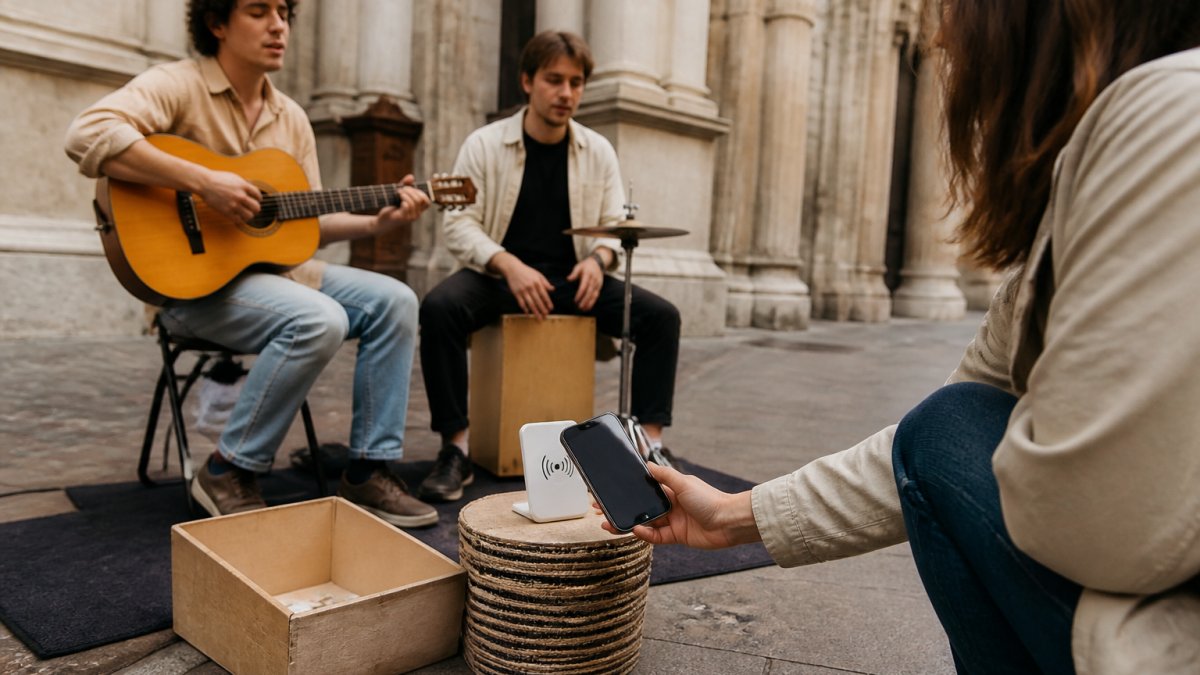
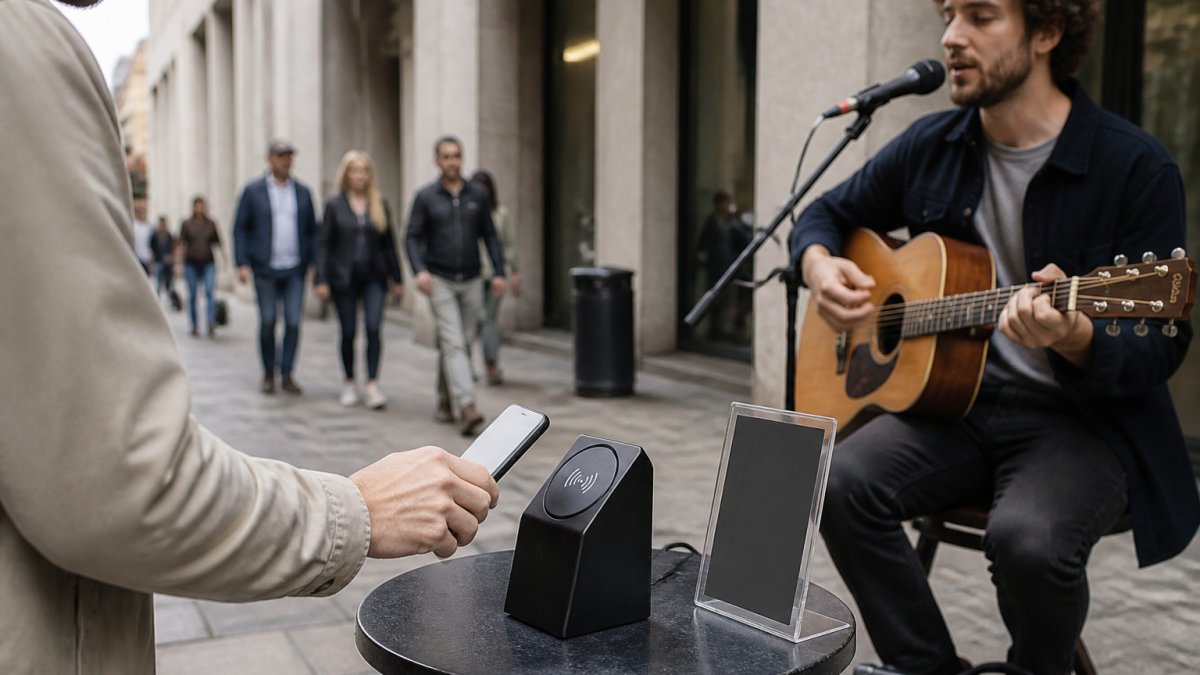
My Fedora Tip Puck is a smartphone NFC/QR tap-to-support access point. A compatible phone tap or QR scan opens the artist's online checkout, where the supporter chooses and completes payment. The supporter's phone needs internet access. Tip Puck does not store card details or create offline transactions.
For any competing product, check whether “tap” means a smartphone opening a link or a bank card being read by a certified payment device. Do not assume a service supports both.
6. Plan for your actual performance location
Test the full journey on mobile data at your pitch. Venue Wi-Fi is not essential if the supporter has a working mobile connection, but no internet means an online checkout cannot complete.
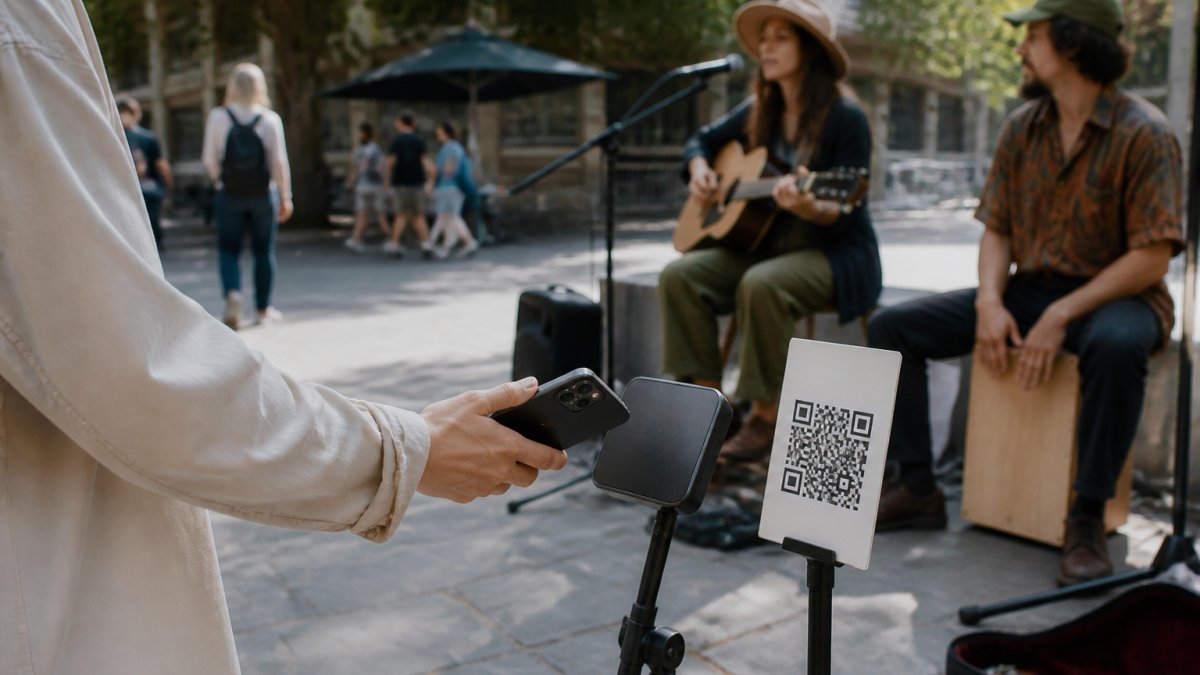
Place the sign where supporters can reach it safely and scan without glare. Retain a practical fallback, such as a secured cash option or a clearly displayed artist address people can save for later. A saved link is an invitation to return, not a completed payment.
No public information reviewed for this comparison justifies promising that either provider can collect or queue payments offline.
7. Choose for your act, then switch carefully
TackPay is worth investigating if you want a service with published artist-specific setup guidance. KwickPOS may be worth an enquiry if its scan-to-tip offering interests you, but establish the solo-performer and country requirements first.
Avoid replacing all your signs before your new account works. Keep access to old payment records, check pending payouts and update printed QRs only after confirming their destinations. A printed code does not automatically move to a different provider when you create a new account.
Where My Fedora fits
My Fedora provides a free artist profile, official support QR and poster downloads, with Tip Puck available as an optional purchase. Connect a supported payment provider before receiving support.
My Fedora deducts 0% from the selected artist-support amount. Ordinary payment-provider fees may apply, and any separate contribution to My Fedora is optional and unchecked by default. See the current payments, fees and refunds policy for details.
Create your free My Fedora artist profile and get your support QR. Whichever platform you choose, make your decision on an eligible account, a clear checkout and costs you understand.
Frequently Asked Questions
Is Kwick a dedicated busker tipping platform?
The official offering identified for this guide is KwickPOS scan-to-tip. Its public tipping page describes a broader business service. We could not verify a separate Kwick-branded busker platform or confirm its solo-performer eligibility in Australia. Ask for the exact product and applicable account terms.
Which is cheaper for buskers: TackPay or Kwick?
This review does not establish a universal price winner. TackPay publishes individual pricing, while KwickPOS displays tipping plans, but your country, processing agreement, transaction size and recurring charges determine the actual cost. Request the applicable terms and compare the same sample payments.
Can supporters tap a bank card on My Fedora Tip Puck?
No. My Fedora Tip Puck opens online checkout through a compatible smartphone NFC tap or QR scan. It is not a bank-card reader, does not store card details and does not create offline transactions. The supporter completes payment on their internet-connected phone.
Do QR tips work without Wi-Fi?
Yes, when the supporter has another internet connection such as mobile data. Scanning a QR code and completing an online payment are separate steps. Without internet access, checkout cannot complete; a saved link is not a completed tip.