 blog
blog
WeAreTipJar Alternative for Modern Performers: What to Know
Updated 23 October 2026
If you are looking for a WeAreTipJar alternative for modern performers, My Fedora is one option to consider for an artist profile, downloadable support QR and optional Halo Pulse smartphone tap point. Choose by the payment journey and account terms that suit your act, rather than assuming one service is best for everyone.
This comparison is published by My Fedora. It explains our approach alongside TiPJAR's own published information, checked on 23 October 2026. It is not an independent checkout-speed test, and switching services does not guarantee more tips.
TiPJAR already serves solo performers
TiPJAR should not be dismissed as a tool only for pooled hospitality tips. Its US personal pricing page lists Solo and Solo+ accounts and explicitly includes performers and buskers. Its performer guidance describes individual and group use, QR codes, tipping links and profile links to a website or social accounts.
Those capabilities overlap with what many independent performers need. If you already use TiPJAR successfully, identify the particular improvement you want before changing anything: a different checkout, artist presentation, fee arrangement or physical display.
Country and account terms matter. A US pricing page is not an Australian quotation, and an older product article should not be treated as a guarantee that every device or feature is currently available to you.
How My Fedora works for an artist
A free My Fedora account provides a downloadable support QR and an artist profile for your story, work and social links. The QR can be downloaded before payments are ready, but the required payment-provider connection must be completed before you can receive online support.
The support QR opens your checkout directly. Your artist profile is a separate place for people to explore your work and find your links. A completed tip does not automatically subscribe someone to updates or turn them into a follower.
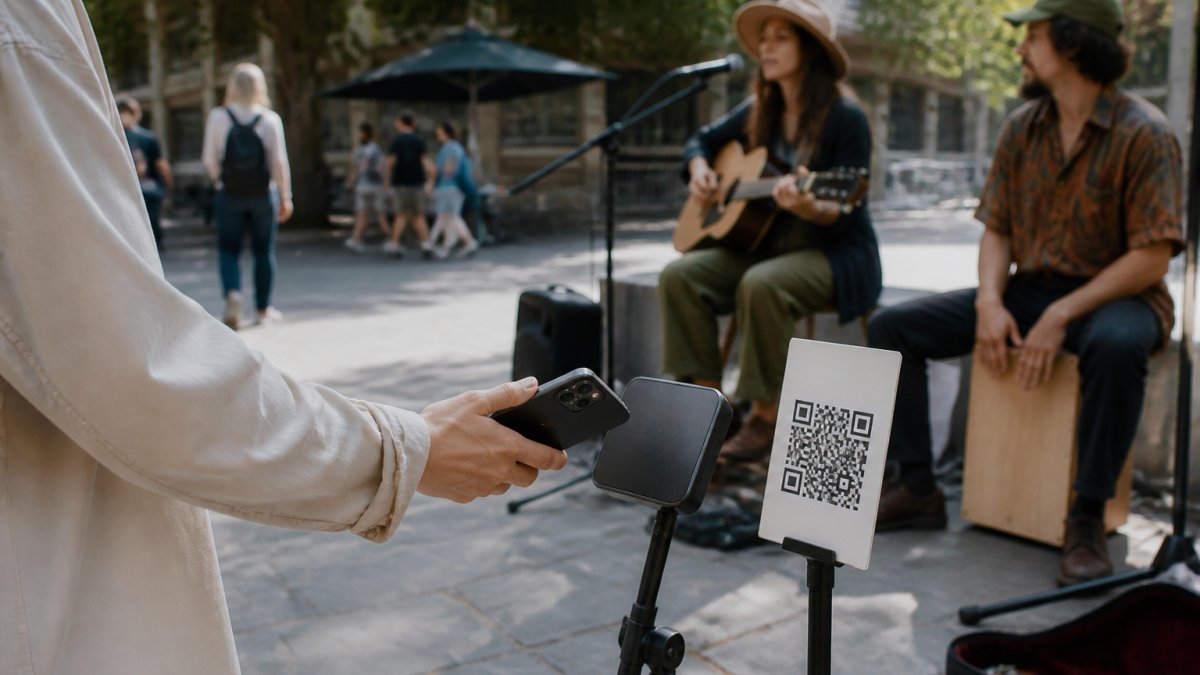
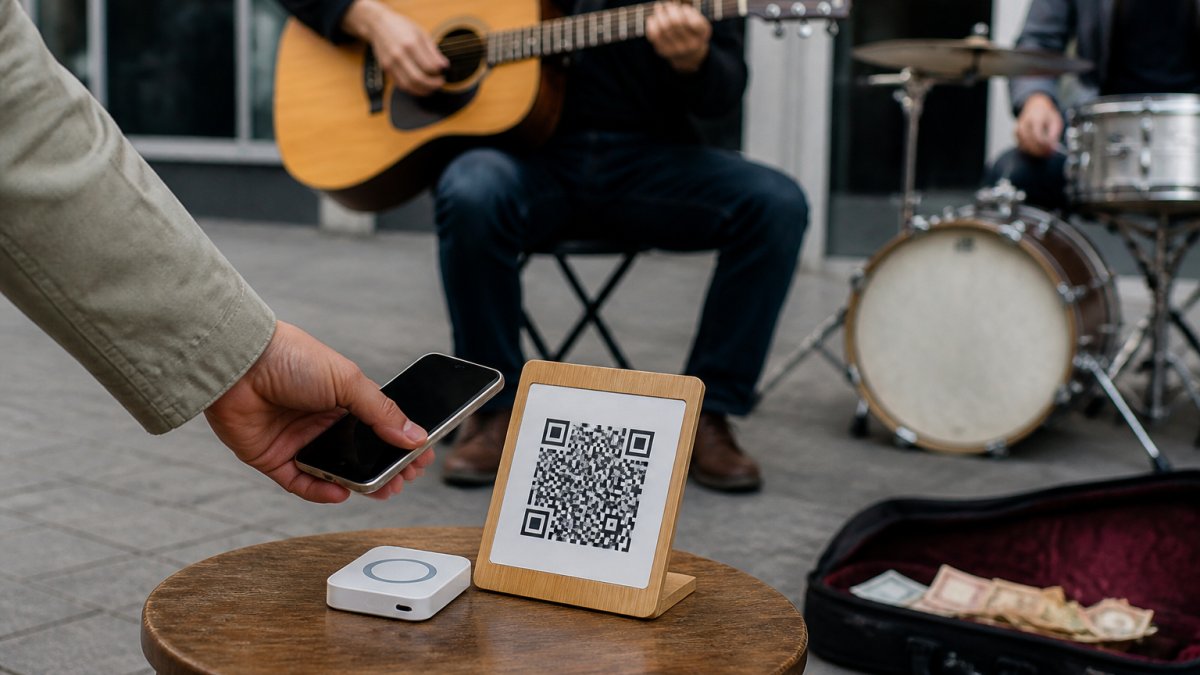
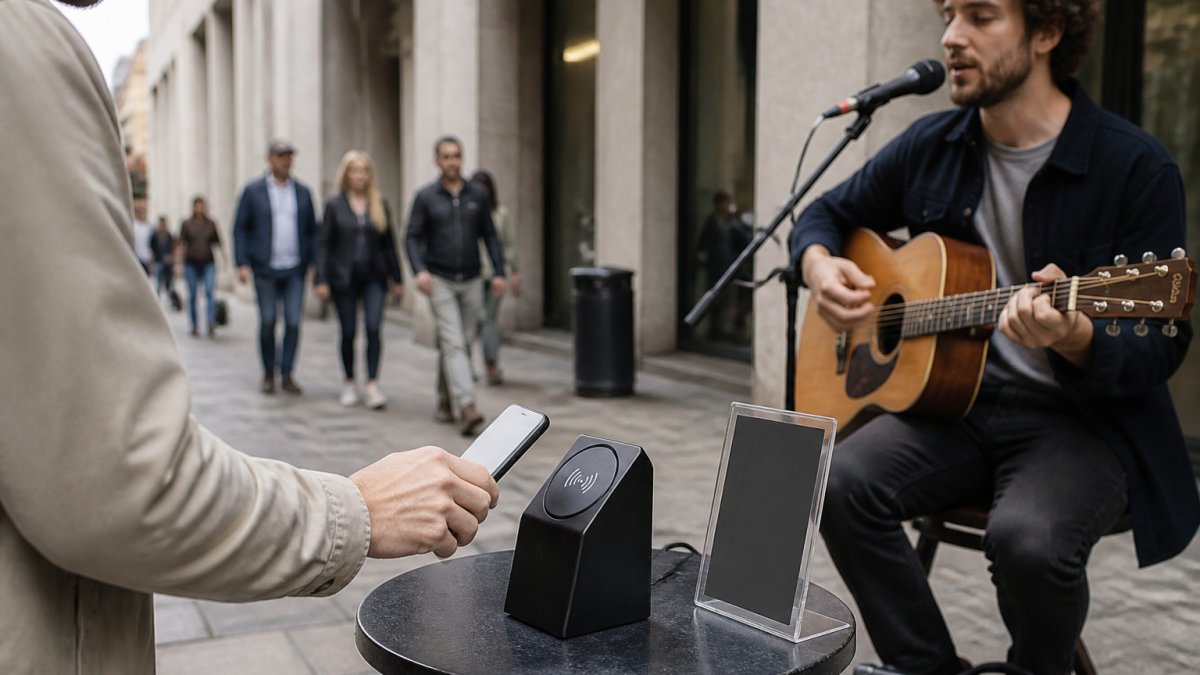
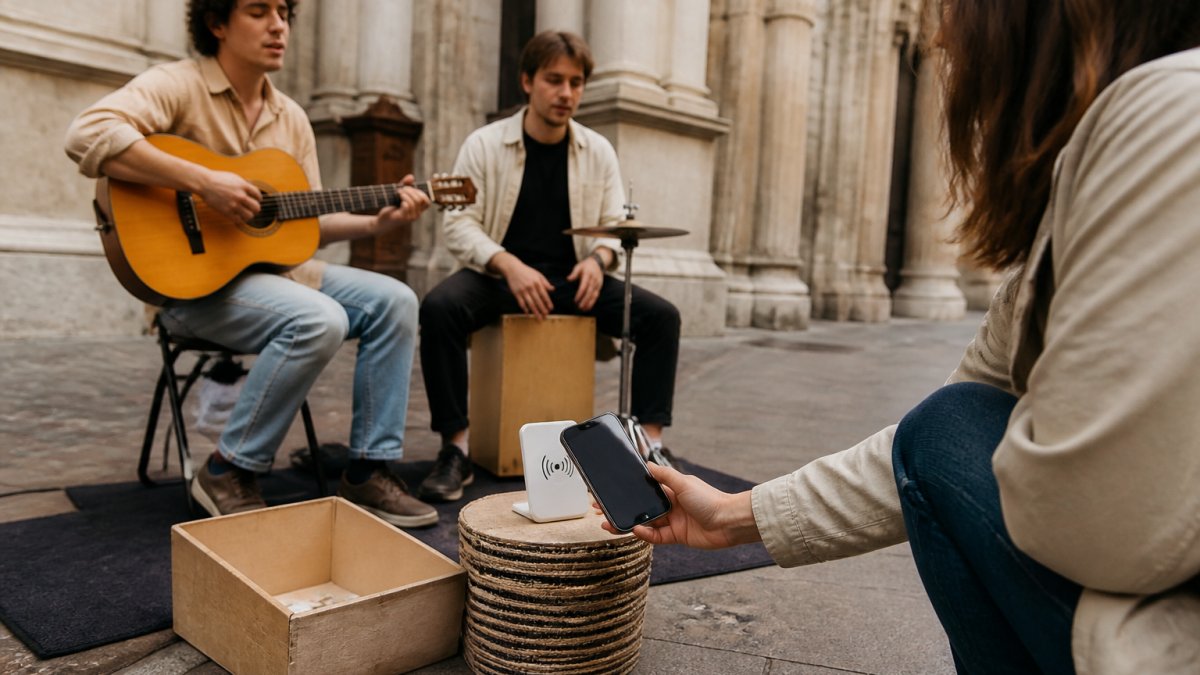
Halo Pulse adds an optional smartphone NFC/QR access point. A supporter taps a compatible smartphone to open the checkout link, or scans the QR, then chooses an amount and completes payment on their own phone.
Halo Pulse is not a bank-card reader or EFTPOS terminal. It stores no card details, does not authorise payments by itself and does not create or queue offline transactions. The supporter's phone needs internet access to complete checkout. Mobile data can work without venue Wi-Fi; no usable internet connection means the online payment cannot complete at that moment.
A useful comparison checklist
Question | TiPJAR | My Fedora |
|---|---|---|
Can an individual use it? | Its personal pages describe Solo accounts and performer use. | Artists can create a free account and set up their own support checkout. |
How does a supporter begin? | Its performer guidance describes QR codes and tipping URLs; verify the current product you choose. | A support QR, checkout link or optional Halo Pulse smartphone tap. |
What artist information can be shown? | Its personal pricing describes a customisable bio page. | An artist profile brings together story, work and social links. |
What costs need checking? | The current plan, transaction charges, identity-check costs where applicable and withdrawal terms for your account. | 0% deducted by My Fedora from the selected artist-support amount; ordinary payment-provider fees may apply. Hardware and printing are separate choices. |
How do you receive funds? | Confirm the wallet, withdrawal and payout arrangements that apply to you. | Review the connected payment provider's payout settings, eligibility and timing. |
Use this as a list of questions to investigate, not a promise that every account in every country has the same features. Test the actual checkout you would use and check its current terms.
Compare fees on the same basis
A free account does not necessarily mean free payment processing. Compare subscriptions, transaction deductions, provider charges, identity checks where applicable, withdrawals, currency conversion and hardware separately. Ask which charges are included together so you do not count them twice.
My Fedora deducts 0% from the selected artist-support amount. Ordinary payment-provider fees may apply. Any additional supporter contribution to My Fedora is optional and unchecked by default. This is not a promise that every selected support amount reaches the artist's bank without processing costs.
For each option, compare several support amounts in the same currency and with the same payment method. Record the amount selected for the artist, the total charged to the supporter, the artist's net amount and any later withdrawal costs. First compare without optional extras, then examine the optional-contribution case separately.
Use current account-specific figures. Do not compare one platform's combined transaction charge against another platform's percentage while leaving out its payment-provider costs.
Check payout arrangements before your first performance
A checkout confirmation, an available account balance and a bank payout are different stages. Find out how each service handles them before relying on the funds.
TiPJAR's withdrawal guidance, modified 15 December 2025, describes an account-dependent allowance of free withdrawals and a monthly automatic payout. It says withdrawal limits and fees can vary, so confirm the details for your own account rather than applying a general example to everyone.
- What onboarding or verification remains before funds can be received or withdrawn?
- Where is the payout sent, and who controls that account?
- When do funds become available, and what affects the expected bank arrival?
- Are there minimums, withdrawal charges or currency-conversion costs?
- Where can you check successful payments, refunds and pending payouts?
Keep transaction statements and reconcile confirmed support against provider records. A supporter showing you a screenshot does not replace checking your own payment record.
Test the setup at your actual pitch
Ask someone unfamiliar with the display to try the instructions on their own phone. Can they identify the artist, choose an amount, understand the final total and complete checkout? Note any point where they need help, rather than assuming an arbitrary four-second deadline applies to every supporter.
For a printed QR, check contrast, clear space, outdoor light, glare and the intended scanning distance. Protect the sign from weather without making the code difficult to scan, and keep a spare. There is no single eye-level placement or print size that suits every act.
For Halo Pulse, use wording such as “Tap your phone to open the link, or scan to support.” Keep it reachable without inviting people into your performance space. Leave a QR alternative visible for people who prefer scanning.
Run a small permitted payment test during initial setup and after relevant changes; ordinary provider fees may apply. Confirm the transaction in your records and check your payout setup. Before routine sessions, a quick destination and sign check may be sufficient. Our payment setup test guide covers the full process.
Plan a careful changeover
- Confirm eligibility. Check the new service and payment provider support your account, country and intended use.
- Finish setup and test. Do this before advertising the new checkout as ready.
- List every existing link. Include posters, case signs, social bios, your website and NFC items.
- Update or replace deliberately. A QR encoded with an old URL continues pointing there. If you control a redirect, investigate whether it can be updated; otherwise replace the print.
- Retain access to existing records. Resolve pending payouts, refunds and disputes before closing an old account.
- Review the first sessions. Check completed payments and practical feedback, without assuming one busy day proves an earnings improvement.
Do not assume another platform can transfer your QR codes, reprogramme existing hardware or migrate supporter details. A previous payment also does not, by itself, authorise adding someone to a marketing list.
Choose the service that fits your act
For a solo performer, a visible support QR and a clear checkout may be enough. A group may need additional allocation arrangements. If supporters want to present bank cards directly, assess a genuine card-acceptance product; Halo Pulse's smartphone link serves a different purpose.
Keep a practical fallback for reception problems, such as cash or a link someone can revisit later. A saved link is an opportunity to support later, not a completed tip.
If TiPJAR already meets your needs, keeping it is a reasonable outcome. If you want to explore My Fedora, create a free account and download your support QR. Complete the payment setup and test the checkout before replacing your existing display or deciding whether optional Halo Pulse hardware suits you.
Frequently Asked Questions
Is My Fedora a WeAreTipJar alternative for solo performers?
Yes. My Fedora offers an artist profile and online support checkout reached through a downloadable QR or optional Halo Pulse smartphone tap. TiPJAR also serves solo performers, so compare the actual checkout, eligibility, total costs and payout terms before choosing.
Does 0% platform deduction mean no payment fees?
No. My Fedora deducts 0% from the selected artist-support amount, but ordinary payment-provider fees may apply. Any additional supporter contribution to My Fedora is optional and unchecked by default. Compare the total cost for your account and payment method.
Can I reuse my existing QR code when switching services?
A printed QR containing the old service’s URL continues to point there. If you control a redirect, you may be able to update its destination; otherwise replace the print. Test every link and do not assume cross-platform hardware or code migration.
Can someone tap a bank card on Halo Pulse?
No. Halo Pulse is a smartphone NFC/QR access point that opens the online support checkout. The supporter’s phone needs internet access. Halo Pulse stores no card details and does not create or queue offline transactions.