 how-to
How to Use Social Media for Busking Growth
Updated 2 November 2026
To use social media for busking growth, give each post a clear job: introduce your performance, help a local listener find your next set, or give someone who already enjoys your work a way to stay connected. Then check which posts lead to those actions.
You do not need to become a full-time content creator. Start with one main platform, a few repeatable video ideas and a posting routine that fits around performing. Treat the plan below as a starting experiment, rather than a promise of more followers or tips.
1. Decide what growth means for your next month
Choose one main outcome before deciding what to film. A large view count is useful only if it serves the audience you want to build.
Your goal | A useful post | What to look for |
|---|---|---|
Reach new listeners | A strong performance excerpt with your artist name visible | People watching, visiting your profile and following |
Bring local listeners to a set | A public gig announcement with a date, time and confirmed location | Schedule questions and people saying they came after seeing the post |
Build a returning audience | A recurring song series or an answer to a listener's question | Returning commenters, repeat viewers where reported and relevant conversations |
Make optional support easier | A performance highlight with a clearly labelled support link | Visits to checkout where measurable and completed payments in provider records |
Pick one primary goal for four weeks. You can still share other posts, but having a priority makes it easier to decide whether the work is helping.
2. Make your artist identity and links easy to understand
Use a recognisable artist name and photo across the accounts you actively maintain. Your bio should explain what you do, the city or area in which you perform, and where to find current information.
For example: “Acoustic originals and familiar favourites around Melbourne. Next public dates and music below.” Only include a location or schedule that is accurate and that you are comfortable making public.
Give links labels that match their destination:
- Artist profile: information about you, your music and your public updates.
- Next performances: current dates and locations.
- Support my music: your online support checkout.
One well-organised destination can be convenient, but there is no universal rule that a bio must contain exactly one link. If you offer several, put the most relevant action first and remove outdated or duplicate choices. Check the link options actually available on your account.
A My Fedora artist profile and an official support QR serve different purposes. The profile helps people learn about the artist; the support QR opens that artist's online checkout. Do not label a checkout link as “follow me” or imply that scanning automatically creates a follower.
Our artist link-in-bio guide can help you organise these destinations.
3. Choose a main platform you can maintain
Start where you already have listeners or where you can consistently make useful posts. You can expand after the routine works.
- Instagram: use performance clips alongside profile information and timely Stories for public performance updates.
- Facebook: maintain your Page and share relevant updates with local communities that permit them. Read group rules before posting a promotional link.
- TikTok or YouTube Shorts: try a repeatable performance format, such as one short arrangement or musical idea per video, and assess the response.
These are possible uses, not a ranking of which platform will grow your audience fastest. Avoid committing to four accounts if that leaves you with no time to perform or respond to listeners.
Keep an original video file so you can prepare an appropriate version for each platform. Check the audio permissions and link options separately; a feature or music permission available in one app should not be assumed to carry over to another.
4. Film busking videos with a clear musical moment
Record a few useful moments during a set instead of filming everything and hoping to find a clip later. Ask a friend to help, or position a secure phone support where it will not obstruct the audience.
Try these repeatable ideas:
- The performance excerpt: a chorus, solo or change in dynamics that makes sense without a long introduction.
- The arrangement: a brief explanation followed by the musical idea you are demonstrating.
- The process: setting up, choosing a set list or adapting a song for the street.
- The listener question: answer a real question about your instrument or technique.
- The local invitation: a short performance clip paired with your next confirmed public date.
A 15–30 second excerpt is a useful format to test, not a required length or an algorithm trick. Keep more of the performance when it earns the extra time. Start with something worth hearing rather than a long logo sequence.
Listen back for wind, distortion and a backing track overwhelming your live performance. Add readable context and captions for spoken sections. Frame yourself as the subject; ask before featuring an identifiable audience member or reposting someone else's footage.
Check music permissions before sharing
Filming the performance yourself does not automatically resolve rights in a cover song or backing track. Check the platform's rules and the permissions attached to any music you add.
For example, YouTube's Shorts guidance distinguishes music added through its Shorts tools from music added outside them; the latter can receive standard copyright claims or removal requests. Do not assume a short excerpt or an artist credit guarantees permission.
5. Build a weekly plan around your actual performances
Start with two planned posts in a week if that is manageable: one performance clip and one useful invitation or update. Add short, timely updates when you have something to say. This is a suggested workload to test, not a minimum required for growth.
When | What to prepare | One clear next action |
|---|---|---|
Before a confirmed public set | Artist name, date, time and location; note if weather may change the plan | Check the latest update before travelling |
After the set | Your strongest performance moment with a short caption | Follow for the next performance |
Later in the week | A listener question, arrangement idea or behind-the-scenes moment if you have one ready | Join a relevant conversation |
Weekly review | Check results and choose the next clips | Repeat or improve one useful format |
YouTube's upload-schedule advice emphasises sustainability and suggests filming in batches and saving drafts. Apply that principle to your own workload: prepare captions and a few clips together when it saves time.
Use a simple note with four columns: post idea, video file, intended date and next action. Update location announcements when plans change, and put the date in the post so an old announcement is less likely to look current.
6. Write invitations that feel natural
Choose a main request that fits the post. A performance excerpt can invite a follow; a gig announcement can invite attendance; an occasional support post can link directly to checkout.
For example:
- “A little of today's acoustic set. Follow for the next public performance.”
- “Planning to play at the market on Saturday, 10 am–noon, weather permitting. I'll update this page if the plan changes.”
- “Thanks for listening today. If you'd like to support the music, the support link is in my profile.”
Use location details and relevant tags to add context, without treating hashtags as a guarantee of reach. Ask questions you actually want to answer. Reply when you can, and ask permission before naming a supporter publicly.
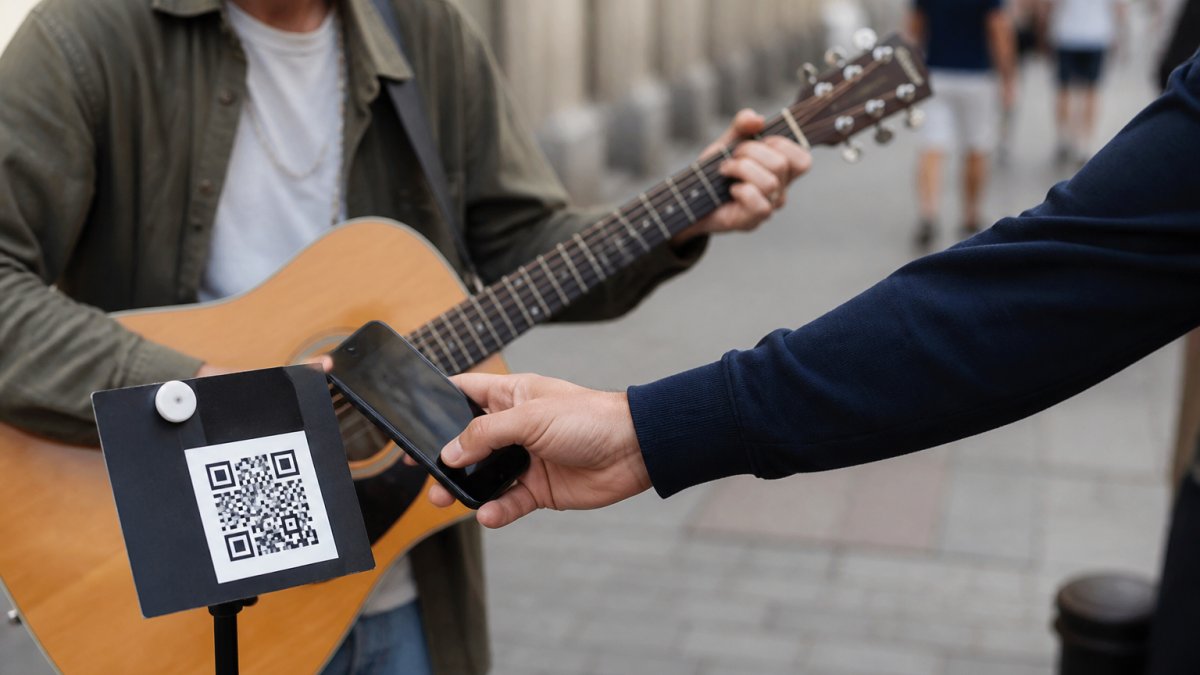
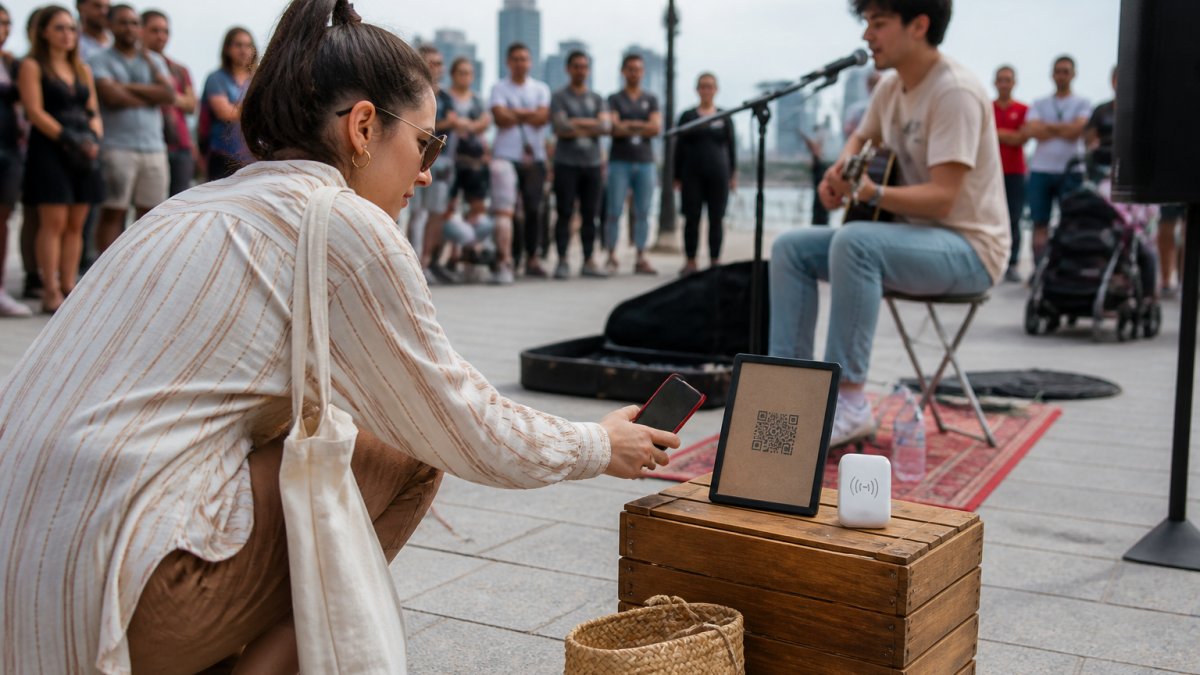
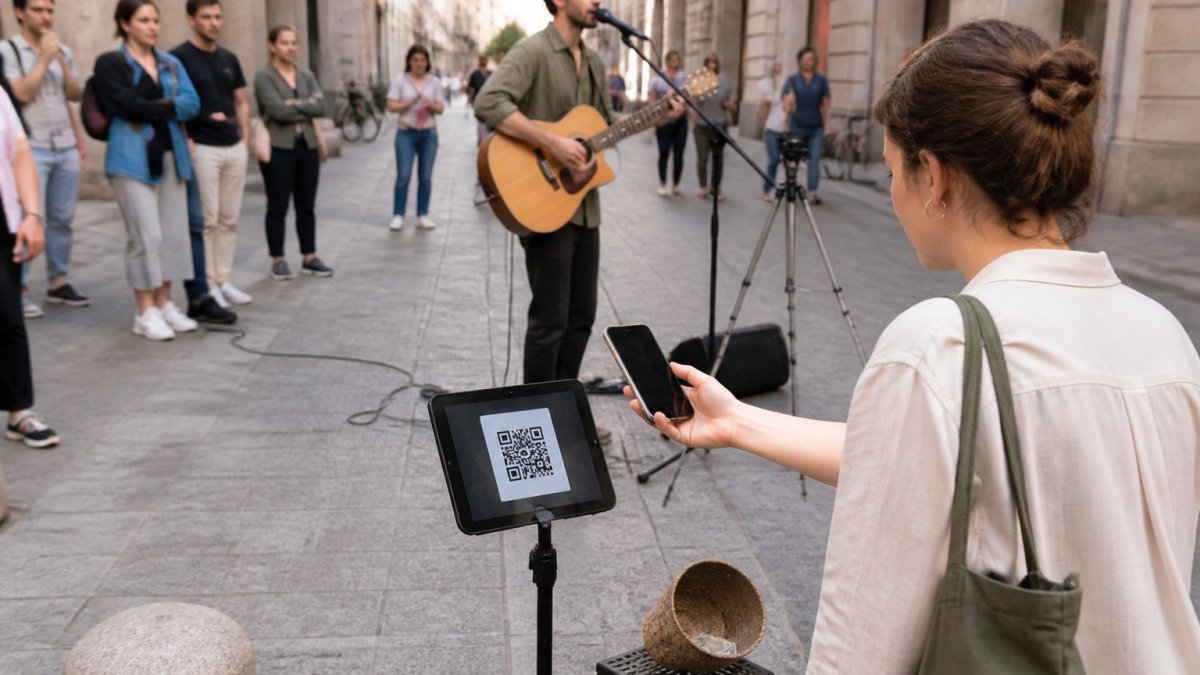
At the pitch, distinguish the follow invitation from the payment instruction. A QR labelled “Scan to support” should lead to checkout. A sign inviting people to follow should show the appropriate handle or profile destination. For more on audience participation, see our street performer fan engagement guide.
7. Measure useful actions and adjust one thing at a time
Review a few comparable posts over several weeks. Consider the topic, length, location and time invested before deciding that one format works better than another.
Where your account provides the data, look beyond views at watch time, profile visits, follows, shares or link activity. Meta's explanation of Reels watch-time insights describes how these measures can help identify whether an opening holds attention. Available reports and labels can vary by account and platform.
Keep a separate note of practical results: a booking enquiry, a listener who came to a set, or a completed support payment. A link click is not a completed payment, and a rise in tips after posting does not by itself prove that the post caused it.
Change one element in your next few posts, such as the opening, caption or invitation. Keep useful formats and drop work that consumes time without helping your chosen goal. The broader guide to growing an independent artist's fan base offers more ways to build those connections.
Give new listeners a clear next step
This week, tidy your profile, prepare one strong performance clip and announce your next confirmed public set. Build a routine you can keep, then learn from the response.
My Fedora offers a free artist account and an official support QR for people who want to support your music. Connect a supported payment provider and complete its required setup before receiving payments. The support QR opens online checkout, so the supporter's phone needs internet access.
My Fedora deducts 0% from the selected artist-support amount. Ordinary payment-provider fees may apply, and a separate contribution to My Fedora is optional and unchecked by default.
Create your free My Fedora account and get your official support QR.
Frequently Asked Questions
How can buskers use social media to attract listeners to a performance?
Share a clip that shows what your performance sounds like, then publish a separate, clear invitation with the date, time and confirmed public location. Update the announcement if plans change. Check for practical responses, such as schedule questions or listeners saying they came after seeing the post, rather than judging success only by views.
What should a busker post on social media?
Try performance excerpts, short arrangement explanations, behind-the-scenes moments, answers to listener questions and confirmed public performance announcements. Give each post a clear purpose. Check music permissions, and ask before featuring identifiable audience members or using someone else’s footage.
How often should a busker post?
There is no universal posting frequency that guarantees growth. Two planned posts a week can be a manageable starting experiment, with timely updates when useful. Choose a routine that fits your performance schedule, review results over several weeks and adjust the workload based on what helps your audience.
Should my social profile link go to my artist page or support checkout?
Choose the destination that matches the invitation. An artist page helps listeners learn about you and find your updates; a support link should clearly open checkout. If you provide both, label them separately. My Fedora’s official support QR opens the artist’s online checkout; scanning it does not automatically follow the artist or subscribe the supporter to updates.