 how-to
How to Manage Performance Dates as a Beginner Busker
Updated 4 November 2026
Managing performance dates as a beginner busker starts with one reliable record: a calendar that shows when you are available, a clear status for each date and the details you need before leaving home.
You do not need specialist booking software. A phone calendar and a short event template are enough to begin. The important habit is to record a request immediately, check the whole time commitment and confirm what has actually been agreed.
1. Separate planned sessions from confirmed bookings
A street session you hope to play is different from a market slot allocated by an organiser or a private performance agreed with a client. Give each date a status so you do not mistake an idea for a commitment.
- Planned session: your own intention to busk, subject to local rules, pitch availability and conditions.
- Enquiry or hold: a possible booking with details or a decision still outstanding. Record any agreed expiry time for the hold.
- Confirmed booking: the date, performance times, location and relevant arrangements have been agreed with the organiser.
- Cancelled: the performance is no longer going ahead. Retain a note of the change and any follow-up needed.
Use these words in event titles, rather than relying only on colours. For example: “HOLD — Riverside Market — reply due Thursday”. This is an illustrative name, not an available booking.
Putting a street pitch into your calendar does not reserve it or give permission to perform. Check the relevant council, venue or site manager's current requirements. Melbourne performers can start with the Australian Government's City of Melbourne busking permit listing, which links to permit information and the administering council.
2. Use one calendar view to check availability
Choose the calendar you will actually consult before saying yes. If you use separate calendars for work, personal commitments and performances, display them together when checking a new request.
A gig-only view is useful for planning, but it cannot show a clash with an appointment or work shift if those calendars are hidden. A paper planner can also work; keep all the commitments that affect availability in the same view.
For each performance, record the stage time and block the surrounding time you need for travel, arrival, setup and pack-down. Those can be separate linked entries or one clearly labelled availability block. Keep the actual performance time visible in the notes either way.
Recurring events suit a regular pattern, but review individual dates for exceptions such as holidays, changed hours or a cancelled market. An automatically repeated event is not proof that a venue has confirmed every occurrence.
3. Copy this performance-date template
Store the essential details in the calendar event. Keep a link or reference to the original confirmation so you can check the agreement without searching through several message threads.
Field | What to record |
|---|---|
Status and title | Planned, hold, confirmed or cancelled; venue or pitch name. |
Date and performance time | Day, full date, start, finish and breaks; venue city/time zone if relevant. |
Availability block | Departure, arrival, setup, pack-down and return or onward travel. |
Exact location | Address, entrance, allocated position if any, parking or public transport notes. |
Organiser or site contact | Name and agreed contact method; leave blank for a self-directed session with no organiser. |
Agreed arrangements | Set length, equipment, power, access and any agreed fee or payment arrangement. |
Conditions to check | Permit or site requirements, weather plan, decision time and who confirms a change. |
Next action | One specific task, its due date and who is handling it. |
Confirmation record | Message or document reference, when confirmed and the latest change. |
If you only have a few dates, this event template can replace a separate spreadsheet. Add a tracker when you need an overview of multiple enquiries or follow-ups; avoid maintaining two competing versions of the same schedule.
Keep contact details, fees, private addresses and access instructions in your private planning record. Share a separate public schedule with only information intended for the audience.
4. Check the full journey before accepting a second gig
Two performances can fit on the same day without fitting into the same afternoon. Work backwards from the next required arrival or setup time, rather than comparing only the two performance start times.
For example, suppose the first set ends at noon and you need:
- 25 minutes to pack down;
- 45 minutes to travel and reach the next position;
- 20 minutes to set up;
- 15 minutes of contingency.
That is 105 minutes between the first set finishing and the next performance starting: an illustrative earliest start of 1:45 pm. Adjust the estimate for your equipment, transport, access and the organiser's required arrival time. A universal one-hour buffer would not cover this example.
Before committing, also check work, rehearsals, rest and any existing holds. If a date is provisional, agree how long it can remain on hold rather than silently promising the same availability to two people.
Be explicit about time zones
For interstate or online arrangements, confirm the time at the venue and name the city. Select the corresponding event time zone in your calendar instead of assuming everyone sees the same clock time.
Google Calendar's time-zone guidance explains that events display in each person's local time zone. Check the event's zone as well as your device display, especially when travelling or planning across daylight-saving changes.
5. Confirm the details in one clear message
For an organised booking, repeat the important details and ask the contact to confirm or correct them. Include any outstanding issue rather than treating silence as agreement.
Hi [Name], checking the details for [day, full date]: performance [start–finish] at [venue/address], with arrival at [time] and setup from [time]. We have agreed [set length/breaks/equipment and fee, where applicable]. The weather or cancellation plan is [arrangement]. Please confirm these details, or let me know what needs changing. Thanks, [Artist name].
This is a practical confirmation message, not a substitute for any booking terms you need to agree. Link to the relevant written arrangement where there is one.
If the organiser has not replied, keep the status as a hold or enquiry and add a follow-up task. Agree a sensible confirmation deadline based on the booking rather than applying the same deadline to every venue.
For self-directed street sessions, there may be nobody to confirm with. Your next action might instead be checking site requirements, transport, weather or pitch availability.
6. Set reminders for decisions and departure
A reminder should leave time to act. An alert two hours before the performance is too late if you needed to leave three hours beforehand.
A useful starting routine is:
- Several days beforehand: resolve missing details or outstanding site requirements.
- The day before: review travel, weather, equipment and the agreed plan.
- Before departure: allow enough time to finish packing and leave on schedule.
Set separate deadlines for applications, confirmation replies or other tasks that fall earlier. Test a reminder on the phone you will carry; check notification permissions and the event settings.
Google Calendar allows calendar-level and individual-event notifications. Its notification guidance also explains that your settings apply to your own account, not everyone sharing the event. Do not assume an organiser or fellow performer receives your alerts.
7. Update changes and public announcements together
When a date moves, check availability again before agreeing to the replacement. Then:
- Confirm the new date, time and location with the relevant people.
- Update the existing event, or clearly mark the old one as cancelled if you create a replacement. Keep a short change note.
- Recheck travel blocks, reminders and linked tasks. Their behaviour depends on the app and how you created them.
- If editing a recurring event, check whether you are changing one occurrence or the whole series.
- Update public gig lists and social posts, and tell anyone directly affected.
Do not assume that changing a private calendar updates your social accounts or artist page. Publish only the audience-facing information you intend to share. For a flexible street session, “planning to play, weather and pitch availability permitting” is clearer than presenting an unreserved position as guaranteed.
If you miss a booking, contact the organiser promptly, acknowledge what happened and agree any next action. Then fix the specific failure in your system, such as an incorrect time, hidden calendar or missed confirmation.
A short weekly review keeps the system usable
Spend ten minutes looking at the next two weeks. Resolve holds, check upcoming deadlines, review travel and make sure public announcements match confirmed plans. Update changes when they arrive rather than waiting for the review.
For planning the wider week, including practice and pitch checks, see How to Manage a Busking Gig Schedule. For audience announcements, our social media guide for buskers includes practical post ideas.
Prepare the support setup before performance day
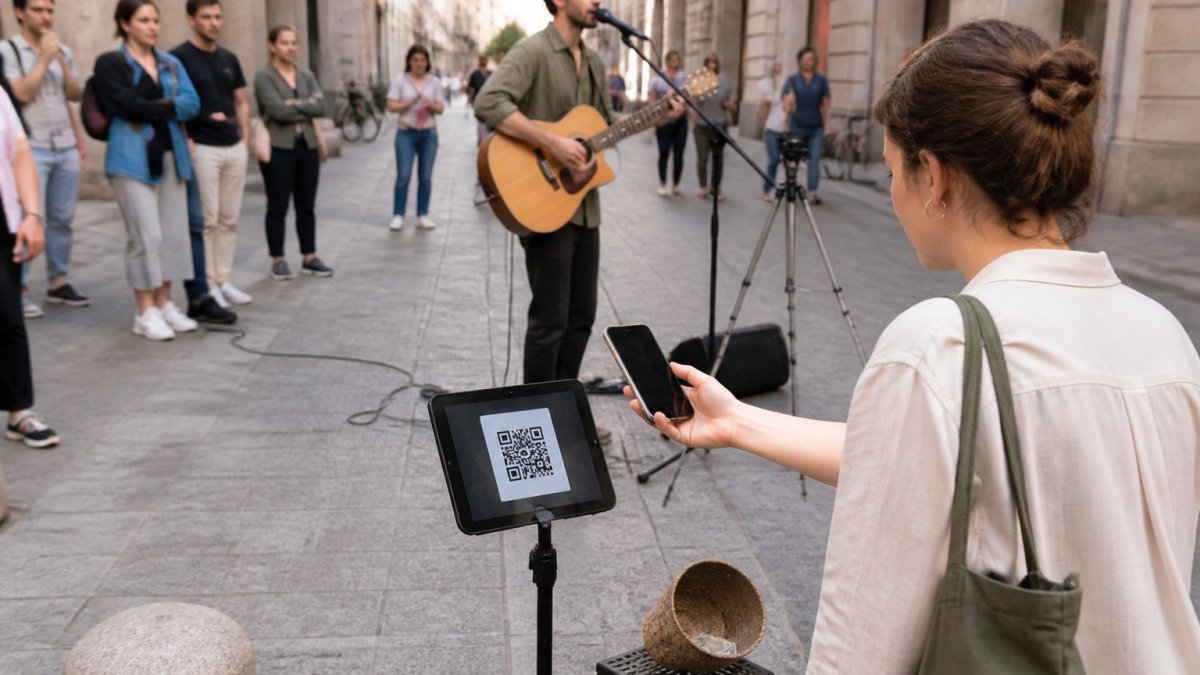
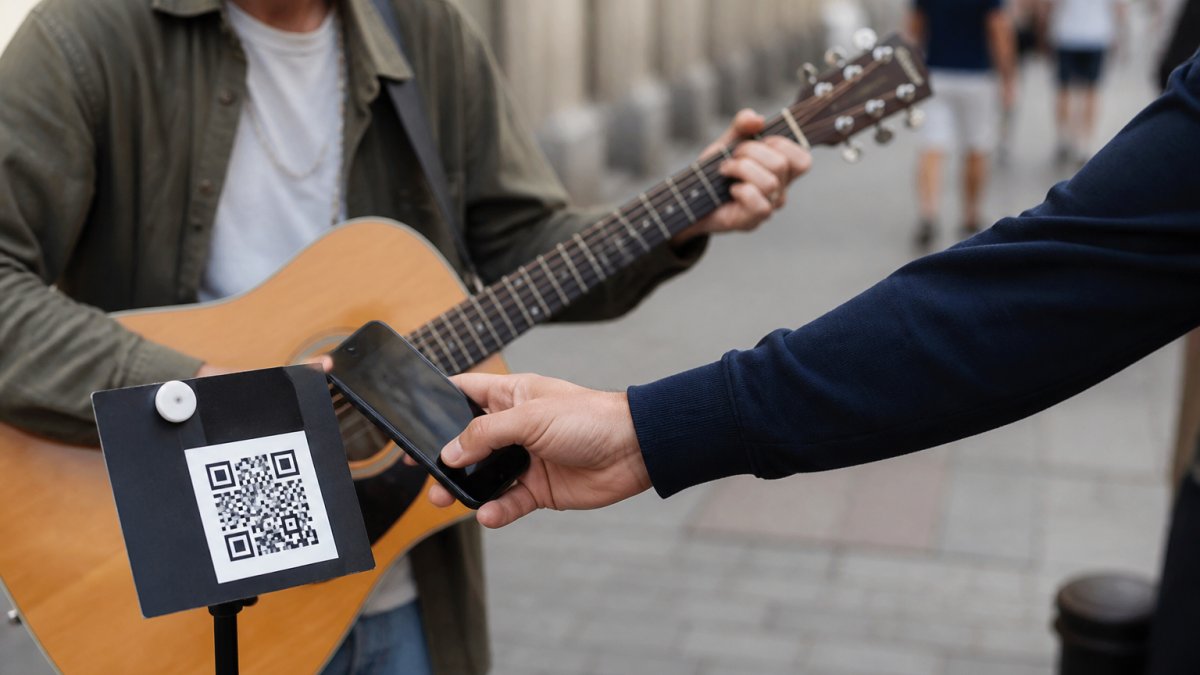
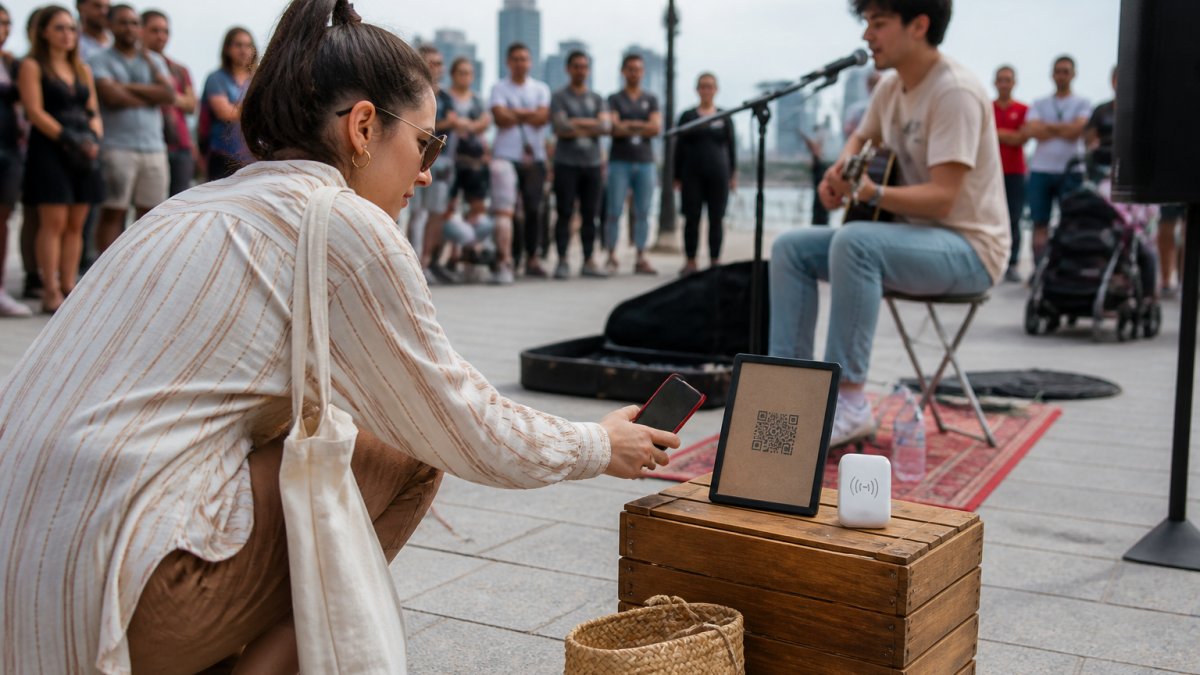
Add a payment check to your pre-gig routine if you accept digital support. Test the printed QR and the correct artist checkout before relying on them at a set; our busking payment test guide explains the process.
With My Fedora, you can create a free artist account and get your official support QR. Connect a supported payment provider and complete its required setup before receiving payments. The QR opens online checkout, so the supporter's phone needs internet access.
My Fedora deducts 0% from the selected artist-support amount. Ordinary payment-provider fees may apply, and any separate contribution to My Fedora is optional and unchecked by default.
Get your free My Fedora support QR and prepare your checkout before the next set.
Frequently Asked Questions
How do beginner buskers keep track of performance dates?
Use one calendar view to check availability, including work and personal commitments as well as performances. Record each date promptly and label it as a planned session, hold, confirmed booking or cancellation. Keep the important details and a reference to any confirmation in the event notes.
What details should I record for each performance?
Record the full date, performance start and finish, required arrival time, location and booking status. Include travel, setup and pack-down time, relevant site requirements, contact details and any agreed arrangements. Keep private contacts and booking details separate from your public gig announcements.
Does adding a busking session to my calendar reserve the pitch?
No. A calendar entry records your plan. It does not reserve public space, grant permission to perform or confirm a slot with an organiser. Check the current requirements of the relevant council, venue or site manager, and label an unconfirmed session accordingly.
How much time should I leave between gigs?
Add the time needed for pack-down, travel, access and setup, plus a sensible contingency. Check any required arrival time for the next booking. There is no fixed buffer that works for every journey; two sets that do not overlap can still clash once the surrounding work is included.