 how-to
How to Manage a Busking Gig Schedule: Weekly Plan
Updated 19 October 2026
To manage a busking gig schedule, keep one reliable plan for your commitments, travel, permitted pitches and backup options. A calendar, notebook or spreadsheet can all work. The useful part is recording enough detail to make the next decision without having to reconstruct your week.
A good plan also distinguishes a confirmed booking from a tentative street session. Adding a pitch to your calendar does not reserve it, and repeating last week's visit does not guarantee the same conditions. This guide shows how to build a practical weekly routine around those uncertainties.
1. Put fixed commitments into one calendar
Start with paid bookings, work, rehearsals and personal commitments. Add the time needed to prepare, travel and pack down around each performance. A two-hour booking can occupy much more than two hours of your day.
Use three clear labels: confirmed for agreed bookings, planned for sessions you intend to attempt, and cancelled or moved when plans change. For a booked event, keep the organiser's details and agreed arrival instructions in a private note.
If you already use Google Calendar, you can set a weekly planning appointment or regular rehearsal to repeat. Google's recurring-event instructions explain how to choose the frequency and edit a series. Keep tentative busking sessions clearly labelled so a repeating entry is not mistaken for a confirmed pitch.
2. Check the conditions for each pitch
Before adding a street session, check the council or organisation responsible for that exact location. Record any permission, act category, sound restrictions, permitted hours, session limits and pitch-sharing arrangements that affect your plan.
For example, the City of Sydney's current busking code directs performers to check permits, suitable pitches, temporary closures and time limits. Its digital guide includes act-specific guidance and changes affecting locations. Other cities and separately managed sites have their own requirements.
Save the relevant link with your session notes and check it again before travelling. A sheltered arcade or station entrance is not automatically an approved weather backup. Confirm permission for the alternative too, or make postponing the session your backup.
3. Use a compact weekly busking schedule template
Use one row per session. Keep the overview short enough to read on your phone, with detailed conditions in a separate note if needed.
Field | What to record |
|---|---|
Date and status | Day, proposed time and whether the session is confirmed or tentative. |
Pitch and permission | Exact location, relevant approval and a link to the current conditions. |
Time block | Departure, arrival, setup, performance, breaks, pack-down and return. |
Equipment | Act-specific gear, transport needs and permitted sound setup. |
Backup decision | Approved alternative, decision time or cancellation plan. |
Support and public update | Checkout check, sign check and where you will announce changes. |
A hypothetical week
This is an example of organising a week, not a recommended set length or a claim that any particular pitch is available.
Day | Plan | Decision or follow-up |
|---|---|---|
Monday | Review commitments, rehearse and maintain equipment. | Check rules and forecasts for proposed sessions. |
Tuesday | Tentative street session at an approved pitch. | Confirm conditions before departure; postpone if unsuitable. |
Thursday | Booked performance with an organiser. | Confirm arrival, access and equipment arrangements. |
Saturday | Second tentative street session. | Allow travel and pack-down time; publish a location update only when reasonably certain. |
Sunday | Rest, reconcile payments and review the week. | Note one practical change to try next week. |
4. Plan the whole session, including the gaps
Work backwards from the time you want to begin. Include loading equipment, the journey, parking or walking, and setup. Between two performances, include packing down the first act before calculating the journey to the next.
Base buffers on your actual route and kit. Someone carrying a guitar has different needs from a performer moving an amplifier, props and a stand. After a few sessions, replace guesses with the times you observed.
Set length should fit your act, stamina and local conditions. There is no universal 30- or 45-minute rule. Prepare a routine you can shorten if necessary, allow breaks and follow any required pitch rotation. Do not build a plan that only works if you occupy the same spot all afternoon.
5. Decide what happens when plans change
Choose a point before departure to review weather, travel disruption and location updates. Write down what would make you move, shorten or cancel the session. If there is no suitable authorised alternative, staying home can be the sensible option.
For booked work, contact the organiser through the agreed channel. For public street sessions, update the same place where you announced the plan. Avoid leaving a confident-looking post advertising a location after you have moved.
Keep the private working plan separate from public information. Your audience needs the performance location, date, approximate start and any weather qualification. It does not need your travel itinerary, private contact details or administrative notes.
6. Run a proportionate pre-gig check
- Check equipment, essential spares and any batteries you rely on.
- Confirm permission, sound conditions and any closure updates.
- Review the weather and the backup decision.
- Inspect the printed QR for damage, glare or an unexpected sticker.
- Open the support link and confirm it shows the correct artist and checkout.
- Check that your public update matches the current plan.
Complete an end-to-end payment test during initial setup and after relevant changes, such as reconnecting a provider or replacing a link. Before routine sessions, checking the correct page and provider status may be sufficient; you do not need to create a new paid test transaction every day. Provider fees can apply to live tests.
Check reception at the pitch too. Loading a checkout at home on Wi-Fi does not establish that a supporter's mobile connection will work outdoors. See our busking payment setup test guide for a fuller walkthrough.
7. Keep the support setup ready alongside your schedule
My Fedora provides an artist profile and an online support checkout. You can create a free account and download your support QR, then complete the required payment setup before accepting support. The QR opens the checkout directly; use your profile or social links separately to help listeners find your work and public updates.
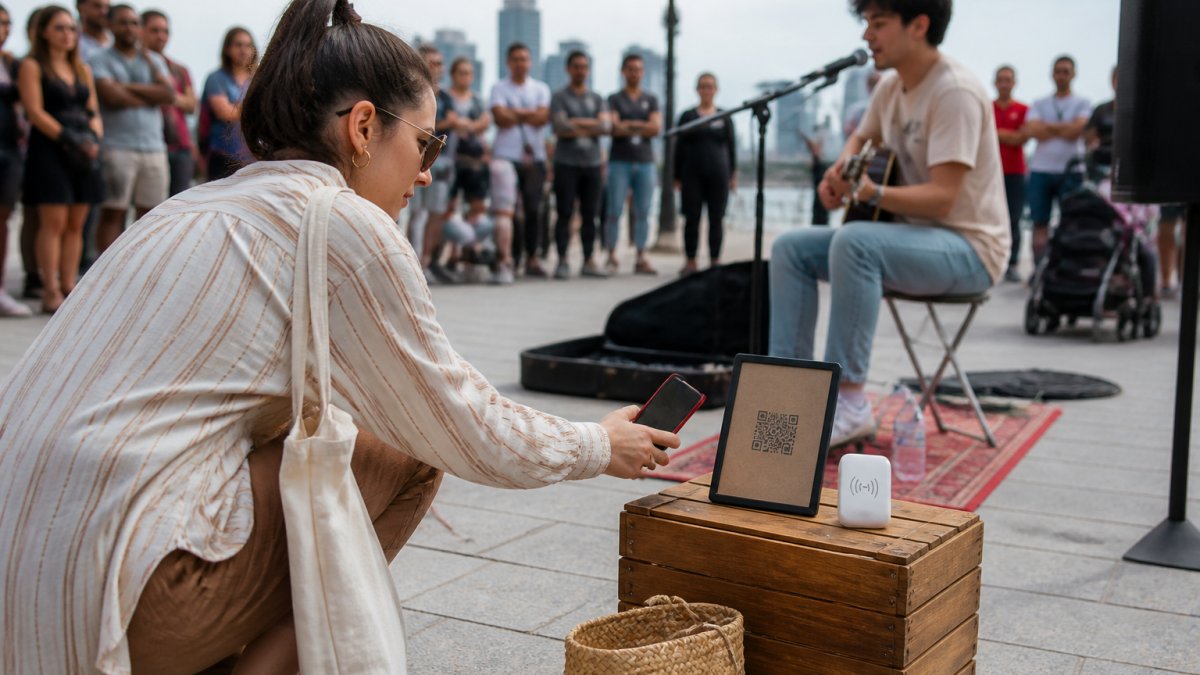
Halo Pulse is an optional smartphone NFC/QR access point to that checkout. It is not a bank-card reader, stores no card details and does not create offline transactions. The supporter's phone needs internet access to complete the payment.
My Fedora deducts 0% from the selected artist-support amount. Ordinary payment-provider fees may apply, and any additional supporter contribution to My Fedora is optional and unchecked by default.
8. Review what actually happened
After each session, note the actual start and finish, travel time, conditions and any problems. Record cash and confirmed digital support separately, then account for fees and expenses when reviewing the result. A successful payment and a bank payout are different stages.
At the next weekly review, compare the plan with reality. Did the journey take longer? Was setup awkward? Did a public update become outdated? Improve one part of the routine instead of assuming one unusually good or quiet session predicts the next.
A useful schedule leaves room for rehearsal, admin and time away from performing. It should make your week easier to manage, rather than fill every available hour.
Preparing your next session? Create your free My Fedora account and download your support QR. Complete your payment setup and test the checkout before displaying it.
Frequently Asked Questions
How do I organise a weekly busking schedule?
Keep one calendar or table for confirmed bookings and tentative street sessions. Record permissions, travel, setup, performance time, breaks, a backup decision and public updates. Review conditions before departure and compare the plan with what happened afterwards.
How long should a busking set be?
Follow the location’s time limits and pitch-sharing rules first. Within those limits, choose a length that suits your act and stamina, with breaks where needed. There is no universal 30- or 45-minute standard.
Do I need a paid test transaction before every gig?
Test the complete payment journey during initial setup and after relevant changes. For routine sessions, check the correct checkout opens, the provider remains connected and reception is suitable. A live test can incur provider fees; it need not become a daily habit.