 blog
blog
Best Tools for Independent Musicians in 2026: What's Worth It?
Updated 30 October 2026
The best tools for independent musicians in 2026 are the ones that solve a problem in your actual routine. A busker preparing a weekend set needs a different setup from an artist delivering a finished album. Start with the job, then choose the software or equipment.
This guide suggests a compact toolkit for recording, releasing, organising performances, reaching listeners and accepting support. It is published by My Fedora, which provides artist profiles and cashless support tools. The examples are starting points to assess, not a claim that one product is best for every musician.
A practical toolkit at a glance
Job | Starting option | Before adding anything |
|---|---|---|
Capture ideas | Your phone's recorder and a notes app | Check that files can be exported and backed up. |
Edit audio | Audacity for straightforward recording and editing | Try a complete editing task. |
Produce a multitrack recording | A DAW such as REAPER | Test your interface, computer and workflow. |
Release to streaming services | A distributor suited to your releases | Compare recurring fees, delivery coverage and exit terms. |
Manage performances | A calendar and simple spreadsheet | Record confirmed dates, travel and payment details. |
Present your work | An artist profile and one maintained social account | Check the experience on a phone. |
Accept online support | A support checkout with a clearly labelled QR | Connect payments and test the full journey. |
1. Recording tools: finish a small project first
A phone recording can preserve a melody or help you review a set. Give recordings meaningful filenames and keep a separate backup. If that solves your immediate need, you do not have to buy a production suite.
Audacity is a free, open-source audio recorder and editor. It is a sensible option to evaluate for trimming takes, recording simple material and preparing rehearsal audio. Try importing, editing and exporting a short performance before making it central to your routine.
For a more involved production workflow, evaluate a digital audio workstation. REAPER offers a fully functional 60-day evaluation. That is an evaluation period, not a permanently free licence. Check its current licensing terms before continued use.
Whichever tool you choose, test audio-device compatibility, monitoring, file export and project reopening. Familiar software that lets you finish a song may be more useful than switching repeatedly between feature lists.
2. Distribution tools: compare the whole release lifecycle
If you want a release on streaming services, compare distributors against your plans rather than selecting from a headline price alone. Check the stores and territories covered, charges for keeping releases available, collaborator-payment options and what happens if you leave.
Before delivery, keep one organised release folder containing the approved audio, artwork, credits, identifiers and a copy of your submission. Follow the distributor's current specifications rather than assuming every service accepts the same file format or artwork rules.
When moving an existing release, follow the receiving distributor's migration instructions. Do not assume that reusing an identifier alone guarantees preserved streams, playlist placement or profile matching. Keep the original release details and ask how any overlap or takedown should be handled.
Agree collaborator credits and payment arrangements before submission. Automated split-payment tools can help administer an arrangement, but do not replace agreeing what the arrangement actually is.
3. Spotify for Artists: pitching and audience information
Spotify for Artists provides artist-profile tools, audience information and a route to pitch eligible unreleased music to Spotify's editors. A distributor delivers the release; that does not automatically mean an editorial pitch has been submitted.
Spotify recommends pitching at least seven days before release. Allow additional preparation time for delivery and account access, and check current eligibility instructions. A pitch is consideration, not guaranteed editorial placement.
After release, examine the available listening and engagement information alongside what you did to promote the music. A burst of streams is useful context, but it does not establish that every listener will return.
4. Gig planning: use a calendar you will maintain
A basic calendar can cover a solo musician's confirmed performances. Add arrival time, soundcheck where relevant, location, contact details and travel time. Keep tentative opportunities visibly different from confirmed bookings.
A spreadsheet can track the agreed fee, expenses, invoice status and whether payment has arrived. Store receipts and supporting records in an organised place. Upgrade to dedicated management software when a recurring task becomes difficult to handle accurately with the simpler setup.
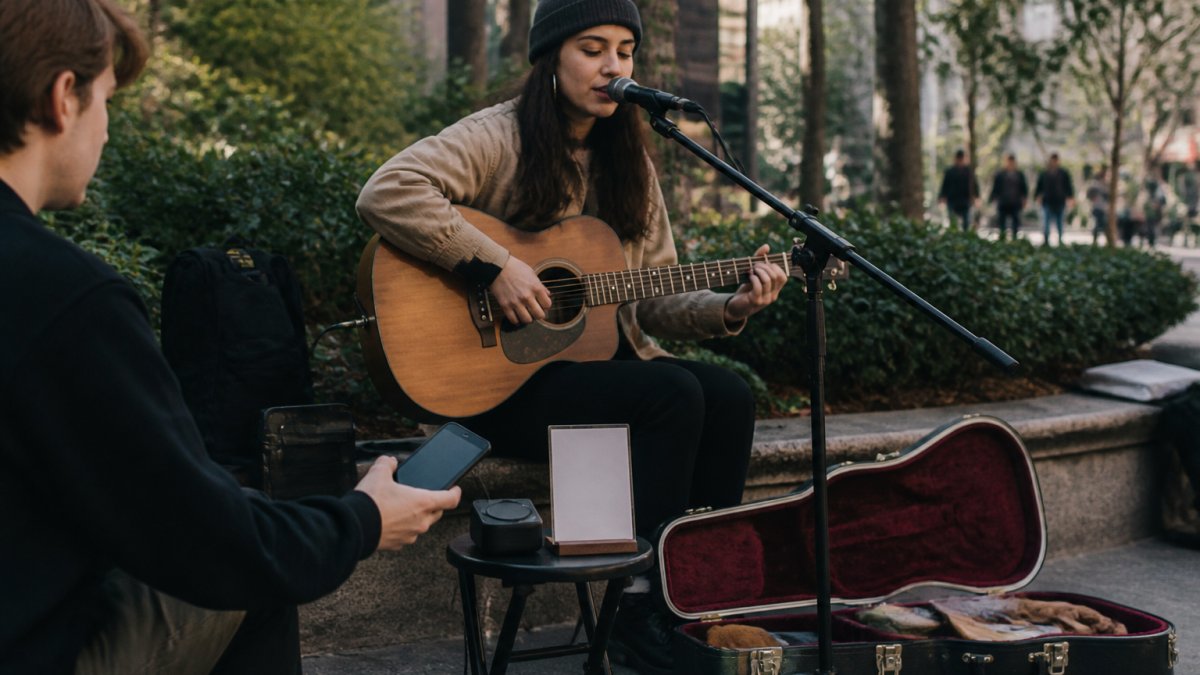
For street performances, include pitch restrictions, weather alternatives and equipment checks in your preparation. Our busking schedule guide offers a practical weekly approach.
5. Audience tools: a clear profile and useful updates
Give a new listener somewhere to find your name, a representative clip, social links and current gig information. Keep the destinations you actually maintain prominent. A profile does not grow an audience by itself; it helps interested people take the next step.
Choose a manageable content routine and review what people respond to. A mailing list is another option if people voluntarily sign up and understand what they will receive. Do not add supporters automatically because they made a payment.
Scheduling software may be useful once you have a sustainable publishing routine, but it will not decide which performances or stories matter to your audience. Start with our guide to growing a fan base before adding another subscription.
6. Cashless support: checkout, QR and Tip Puck
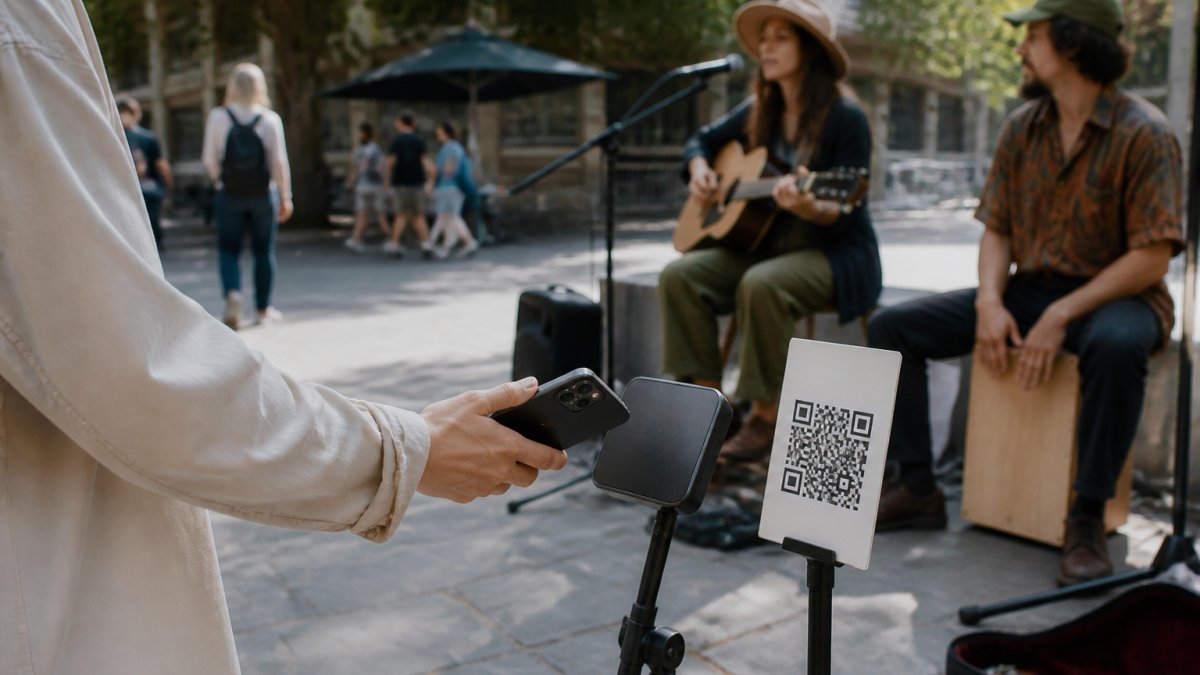
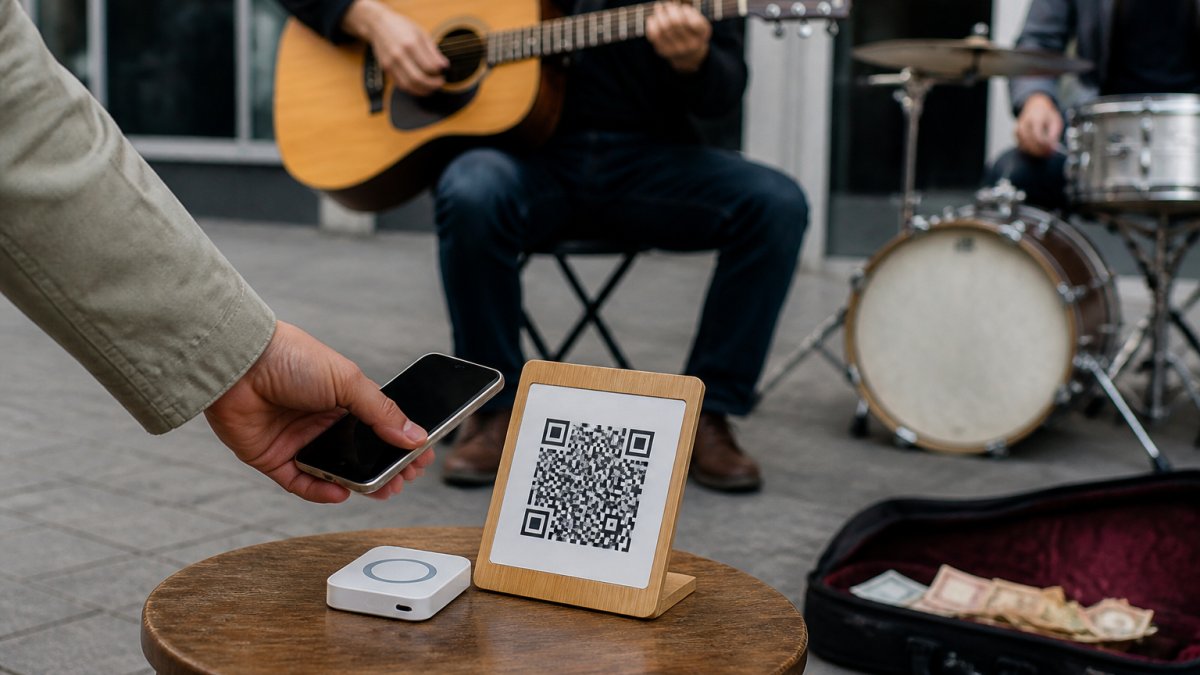
My Fedora provides a free artist profile, official support QR and poster downloads. The profile presents your work and links; the support QR opens your online checkout. Connect a supported payment provider before receiving support.
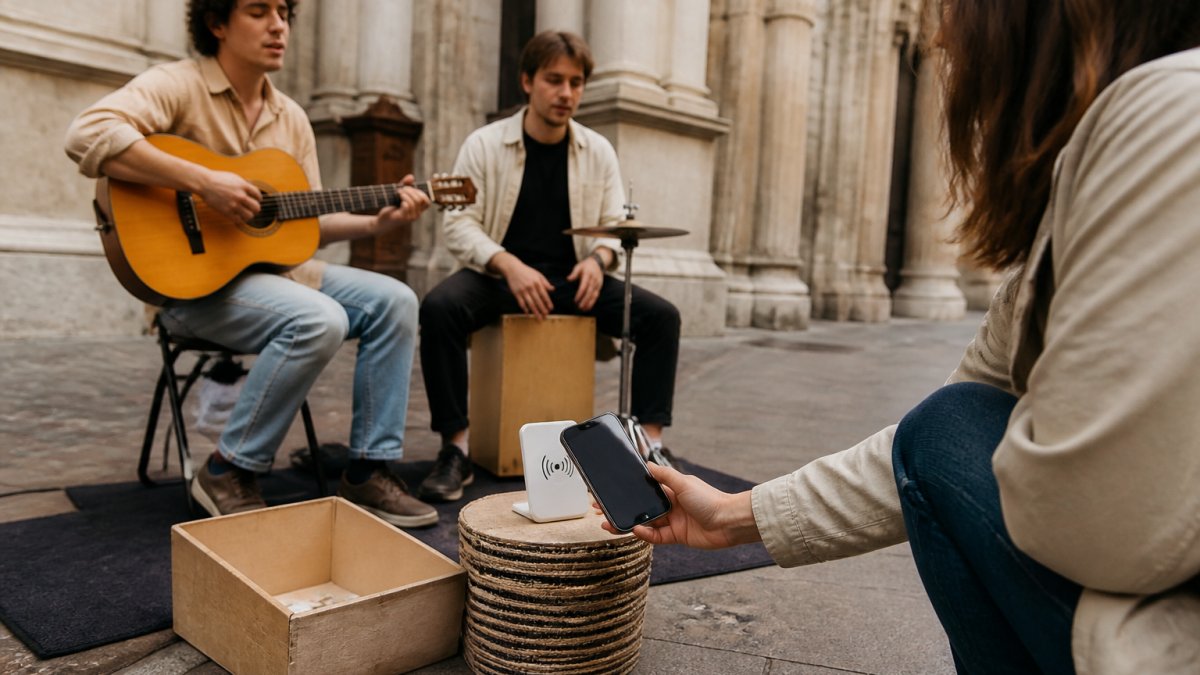
My Fedora Tip Puck is an optional smartphone NFC/QR tap-to-support access point. A compatible smartphone tap or scan opens the artist's checkout. It is not a bank-card reader, does not store card details and does not create offline transactions. The supporter's phone needs internet access to complete payment.
My Fedora deducts 0% from the selected artist-support amount. Ordinary payment-provider fees may apply. Any separate contribution to My Fedora is optional and unchecked by default. Read the payments policy when comparing costs.
Test the QR destination, artist name, amount choices and confirmation before displaying it. Mobile data can work without venue Wi-Fi, but an online checkout still needs internet. Keep a practical fallback for poor coverage.
7. AI tools: optional help, with a clear purpose
Evaluate AI-assisted tools on a small task, such as organising ideas or comparing a demo master. Listen critically and keep your original files. Stem separation does not, by itself, give permission to release or sample someone else's recording.
Before uploading unpublished material or using generated output commercially, read the particular service's current terms, including input licences, commercial use and any disclosure requirements. A subscription or a commercial-use label is not a blanket guarantee that every intended use is cleared.
If the rights position is important to a release and remains unclear, obtain appropriate advice before committing. You can also complete a recording without adding an AI service at all.
Choose your next tool with one small test
Write down one task that is currently slowing you down. Trial a tool against that task and check the result, export options, continuing cost and time saved. Keep it if it improves your routine; skip it if it adds administration without solving the problem.
For a live performer starting with digital support, create a free My Fedora artist profile and get your official support QR. Set up payments, test checkout and bring a clear sign to your next performance. Add optional hardware or software when it serves a real need.
Frequently Asked Questions
Which tools should an independent musician start with?
Start with the work you actually do: a recorder or editor, organised files and backups, a calendar for performances, and a clear artist profile. Add distribution if you are releasing to streaming services, and a tested support checkout if you want online tips. You do not need a paid product for every task.
Is REAPER free?
REAPER offers a fully functional 60-day evaluation. It is not a permanently free licence. Read the current licence conditions before continuing beyond the evaluation period. Audacity is a free, open-source recording and editing alternative to assess for simpler tasks.
Does distribution guarantee a Spotify playlist placement?
No. Delivery and editorial pitching are separate steps. Spotify for Artists lets eligible artists pitch unreleased music, with at least seven days before release recommended. Submitting a pitch does not guarantee editorial selection.
Can someone tap a bank card on My Fedora Tip Puck?
No. Tip Puck is a smartphone NFC/QR access point to online checkout, not a bank-card reader. The supporter uses an internet-connected compatible phone to open checkout and complete payment. Tip Puck does not store card details or queue offline transactions.