 listicle
Best Gig Management for Artists: 7 Tools Compared
Updated 11 October 2026. Product features checked against the official sources linked below.
The best gig management for artists depends on the work you need to organise. A solo performer may need a reliable calendar and a booking record. A working band may need member availability and setlists. An agency may need contracts, itineraries and payment tracking across several acts.
This guide compares seven practical options by their intended job. It is a review of published product information, not a hands-on performance test. The fit recommendations are our editorial assessment. Check the current plan, currency and payment integrations before subscribing.
Which gig management tool fits your work?
Option | Worth considering when... | Check before choosing |
|---|---|---|
Google Calendar plus a booking spreadsheet | You manage a small number of dates yourself | Who updates confirmations and payment records |
BandHelper | Your band needs repertoire and shared scheduling | Account level and band-size pricing |
Band Pencil | You coordinate bookings, clients and changing line-ups | Member access and your required plan features |
Giggio | You run an entertainment business with enquiries and invoices | Payment options available in your country |
Gigwell | You manage professional booking workflows | Which artist or agency product fits |
Overture | You coordinate an agency roster or touring artists | Team access, integrations and reporting needs |
Prism | You also operate venues or promote live events | Whether its event-business scope is appropriate |
1. Google Calendar and a spreadsheet: a simple starting point
For a solo musician with a manageable schedule, start with a dedicated performance calendar and one booking spreadsheet. Google documents how to create a calendar and share it with other people.
Use calendar entries for rehearsals, travel, setup and performance times. Keep the agreed fee, deposit, balance, organiser contact and confirmation status in the spreadsheet. Link each event to the relevant booking record.
The limitation is manual upkeep. A date in your calendar is not proof that the client confirmed it or paid a deposit. This approach is useful while you can reliably maintain those records yourself.
2. BandHelper: repertoire and band coordination
BandHelper combines performance preparation with band administration. Its modules cover repertoire, scheduling, contacts and, on the appropriate account level, finances and checklists.
Its scheduling documentation describes event management and member availability, making it a candidate for groups that need to coordinate people as well as dates.
Shortlist it if keeping songs, setlists and band information together would help your rehearsals and shows. Check its current account levels: scheduling is not included in every tier, and pricing varies with band size. Test how a member receives and responds to an event before moving your whole schedule.
3. Band Pencil: bookings and changing line-ups
Band Pencil describes a workflow connecting enquiries, events, musicians, clients, contracts and invoices. Its member and client portals give the different people involved access to relevant booking information.
It is worth comparing if you lead a function band, organise substitutes or assemble a different line-up for each booking. Having the people, timings and documents attached to the same event can address a different problem from simply remembering its date.
During a trial, recreate a real booking with a late line-up change. Check who receives the update, what each performer can see and how the client receives the revised details.
4. Giggio: enquiries, contracts and invoices
Giggio is aimed at entertainers and event businesses handling paid bookings. Its documented workflow includes enquiries, contracts, invoices and payment tracking.
This makes it a candidate for a solo entertainer, DJ or musician whose admin problem starts before the performance: responding to a prospective client, confirming the scope and following up on payment.
Test a booking from initial enquiry through to an outstanding balance. If you want integrated card collection, confirm local availability and applicable fees rather than assuming every payment feature works in every country. Recording that an invoice exists and actually collecting its payment are separate tasks.
5. Gigwell: professional booking workflows
Gigwell offers products for artists, booking agencies, venues and talent buyers. Its booking platform describes contracts, artist logistics, invoicing and online payments, while Artist Essentials includes an electronic press kit and booking-request tools.
Consider it when you need a more structured process for offers, contacts and bookings. Choose the product for your role before comparing prices; a solo artist and an agency managing several acts do not necessarily need the same package.
A useful demonstration should follow one of your actual booking scenarios. Ask how changes to a fee, date or agreement flow through to the final documents.
6. Overture: agencies and touring administration
Overture positions its software around agencies, artists and promoters. Published features include shared contacts and calendars, booking itineraries, contracts, invoices, artist statements and media pages.
It is worth examining when several people need consistent information about a roster or tour. An itinerary containing accommodation, travel, contacts and performance details serves a broader purpose than a basic event reminder.
Check access controls and the documents artists receive. Ask the provider to demonstrate your existing accounting or calendar workflow instead of treating the word “integration” as a guarantee that every part transfers automatically.
7. Prism: for artists who also run live events
Prism focuses on live-event businesses, including venues and promoters. It describes tools for calendars, offers, contracts, financial reporting and show settlements.
This is a specialist option if you also produce events or manage a venue. A performer who only needs to remember next Friday's set is unlikely to need that breadth.
When comparing it, work through a sample event budget and settlement. The important question is whether it supports your responsibilities as an organiser, rather than whether it has more features than a musician's calendar.
What to record for every gig
Software only helps if the underlying booking information is clear. Whichever option you choose, maintain one authoritative record containing:
- Status: enquiry, provisional hold, confirmed, completed or cancelled.
- Times: arrival, load-in, soundcheck, performance, breaks and finish, with the local time zone when travelling.
- People: organiser, venue contact, performers and any agreed substitute.
- Money: agreed fee, deposit received, balance due and payment deadline.
- Practical details: address, access, equipment, power, parking and agreed weather arrangements.
- Documents: the latest agreement, rider, setlist and event notes.
Keep provisional holds visually distinct from confirmed bookings. Set a follow-up reminder for each hold so it does not block a date indefinitely. For street sessions, separate your planned pitch from a confirmed event booking and check the site's applicable permissions.
Test a tool before moving your whole schedule
- List your three recurring admin problems. Examples include missed follow-ups, unclear member availability or chasing balances.
- Shortlist two options. Compare them using the same sample booking.
- Make a change. Move the start time and replace a performer; see whether everyone can find the latest information.
- Check the phone experience. You should be able to find the venue contact and arrival instructions at the gig.
- Check exports and costs. Confirm how to retrieve your contacts and records, and which subscription or transaction charges apply.
Keep your existing records until the replacement is working. Export formats and imports differ, so do not assume a calendar export also includes every contact, attachment or payment note.
Where My Fedora fits into your gig setup
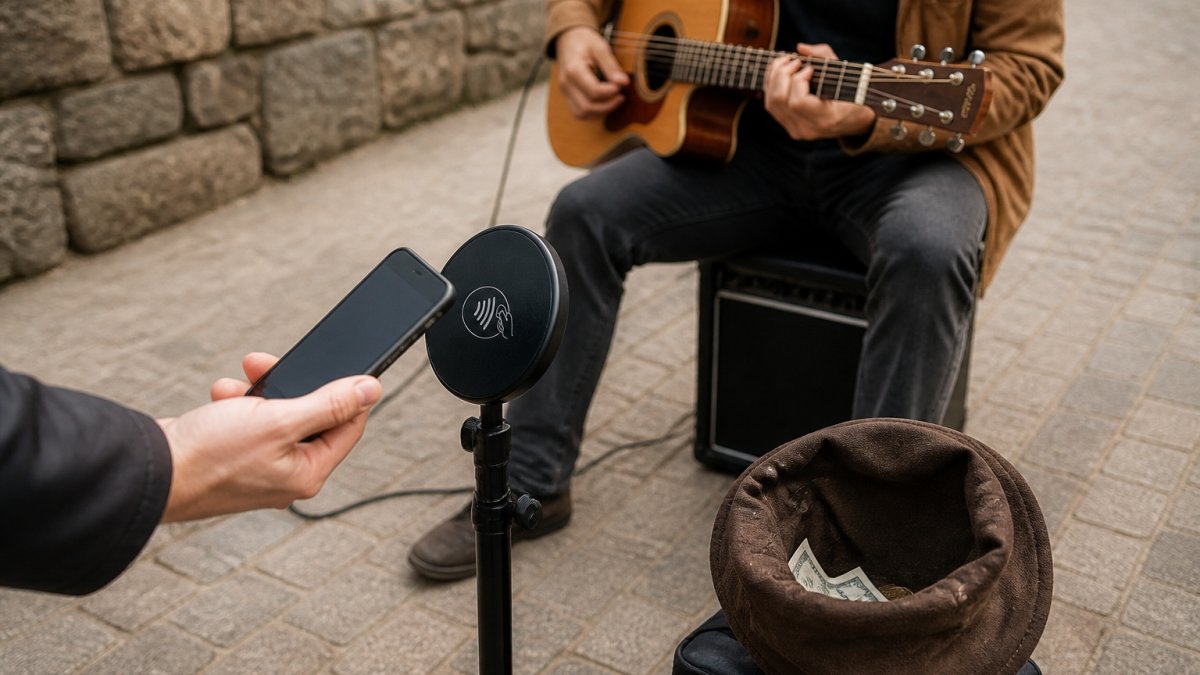
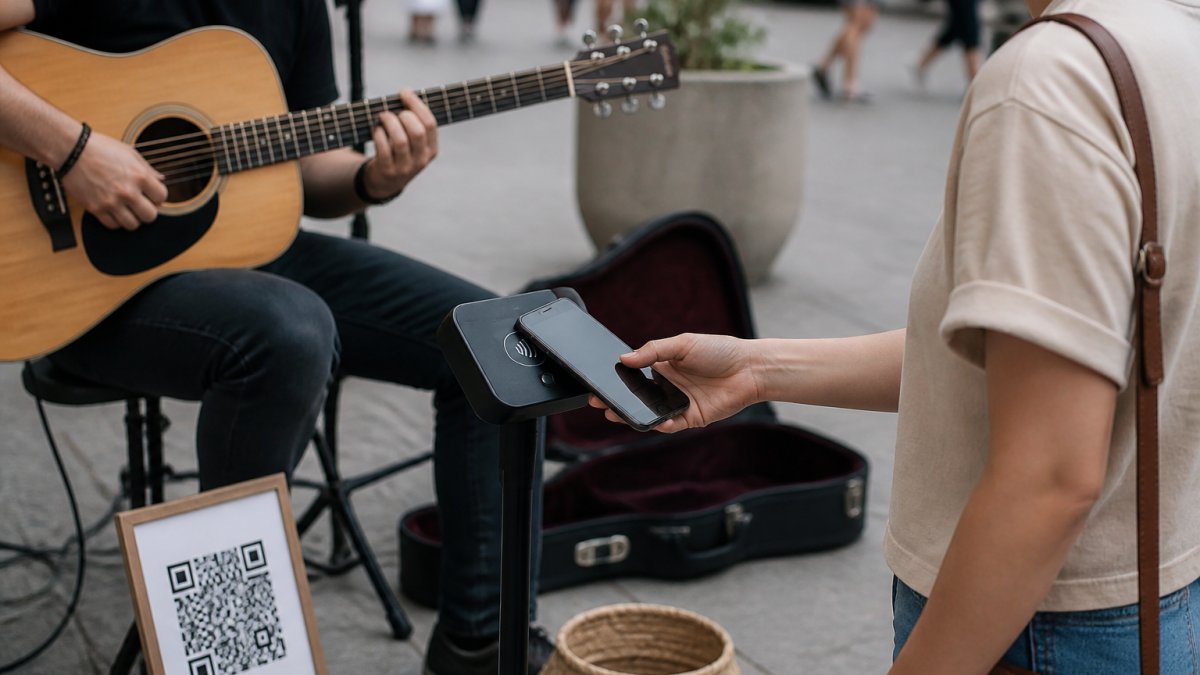
My Fedora handles artist presence and audience support alongside your booking system. Your artist profile brings your story, work and social links together. Your support QR opens your online checkout.
Halo Pulse adds a smartphone NFC/QR access point to that checkout. A supporter taps with a compatible phone or scans the QR, then completes the payment on their screen. Their phone needs internet access. Halo Pulse is not a bank-card reader, does not store card details and does not create or queue offline transactions.
My Fedora deducts 0% from the selected artist-support amount. Ordinary payment-provider fees may apply. Any additional supporter contribution to My Fedora is optional and unchecked by default.
Add checking your support display to your pre-gig routine. Our guide to testing your busking payment setup covers the payment side, while these fan-engagement tips help you plan what happens after someone stops to listen.
Explore My Fedora and set up your artist support page alongside the calendar or booking tool that fits your work.
Frequently Asked Questions
What is the best gig management software for a solo artist?
Start with the tasks you actually need to manage. A calendar and booking spreadsheet may be enough for a small schedule. If enquiries, contracts or invoices are becoming difficult to track, compare dedicated booking tools using a real example from your work.
Which tool suits a band that needs setlists and scheduling?
BandHelper is one option to shortlist because it combines repertoire tools with scheduling on eligible account levels. If you also organise changing line-ups and client administration, compare Band Pencil. Check the current plan and test the member experience before moving your records.
Is My Fedora a gig booking system?
My Fedora focuses on artist profiles and audience support. Use it alongside your chosen calendar or booking system. A support QR or Halo Pulse opens the artist’s online checkout; the supporter’s phone needs internet access. Halo Pulse does not accept bank cards directly or queue offline payments.
What details should I put in a gig calendar?
Record the booking status, venue, arrival and performance times, organiser contact and a link to the latest agreement. Track deposits and balances in a connected booking record. Include travel time so two non-overlapping performances do not become an impossible schedule.
Can a gig management app find bookings for me?
Do not assume that scheduling or invoicing software will generate demand. Some products provide enquiry forms, press kits or discovery tools, but booking opportunities still depend on your outreach, audience and suitability for the event. Assess lead generation separately from administration.