 listicle
Best Busking Payment Apps 2026: Top Options Compared
Updated 13 October 2026
The best busking payment apps in 2026 help a supporter give while you keep performing. Your choice depends on whether you want a QR sign that opens online checkout, an artist profile with tipping built in, or a way to accept a contactless card in person.
For most performers, start by deciding who will operate the payment: the supporter on their own phone, or you on a phone or terminal. That decision matters more than a long feature list.
This guide compares six options using providers’ published documentation, with Australian performers in mind. It is published by My Fedora, one of the platforms included. These are use-case recommendations, not results from a timed, hands-on test of every service. Check eligibility and the terms shown for your country before signing up.
Best busking payment apps: quick comparison
Option | Useful for | Supporter’s payment journey | Check before choosing |
|---|---|---|---|
My Fedora | Artist support checkout and an artist profile | Scan a QR code or tap a compatible phone on Halo Pulse, then pay online | Payment connection and supporter’s internet access |
Busker profiles, tips and discovery | Use a profile or BuskPay sign to reach tipping | Payment options, checkout fees and account setup | |
TackPay | A personalised QR tipping page | Scan the artist’s QR code and complete the tipping flow | Local fees, verification and withdrawal arrangements |
Square | In-person card acceptance plus payment links | Tap a card or wallet on supported equipment, or open an online link | Phone compatibility and the rate for each payment method |
Stripe Payment Links | A hosted checkout you can share without coding | Open a link or QR code and pay online | Account eligibility and amount configuration |
PayPal QR codes | An additional option for PayPal users | Scan the business QR code and follow PayPal’s payment flow | Supporter app requirements and commercial payment fees |
1. My Fedora: artist support through QR and smartphone NFC
My Fedora combines an artist profile with a direct online support checkout. Your profile gives people somewhere to find your story and links; your support QR takes them straight to checkout. You can use a printed QR sign without buying Halo Pulse.
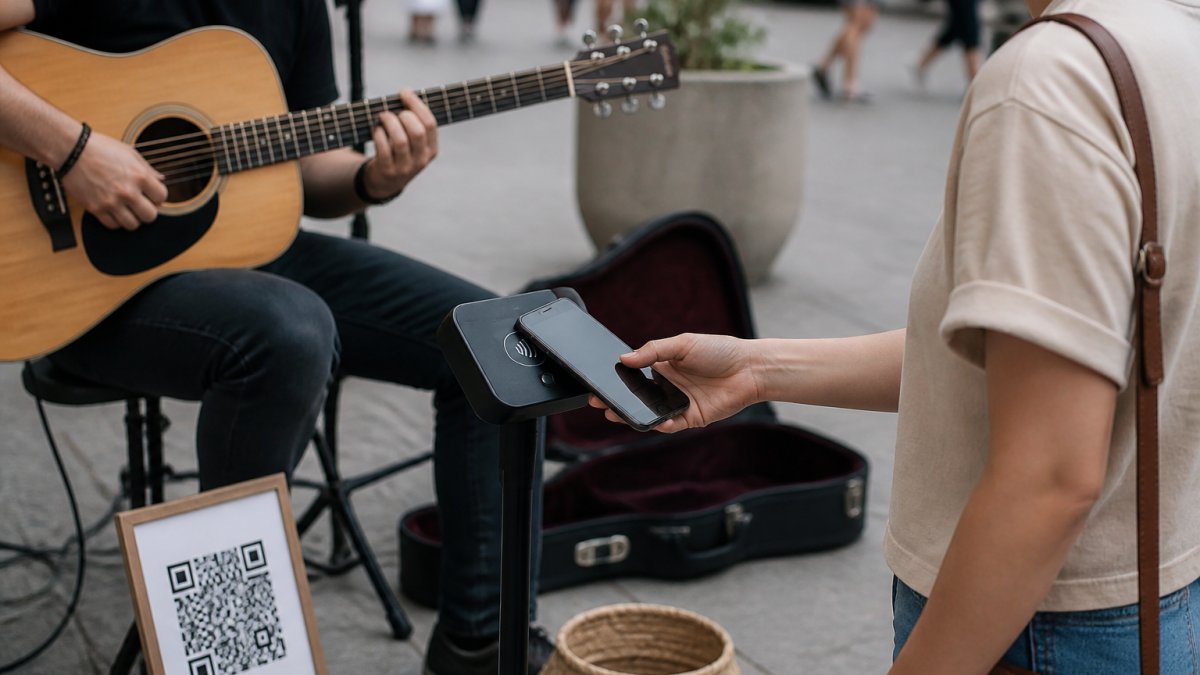
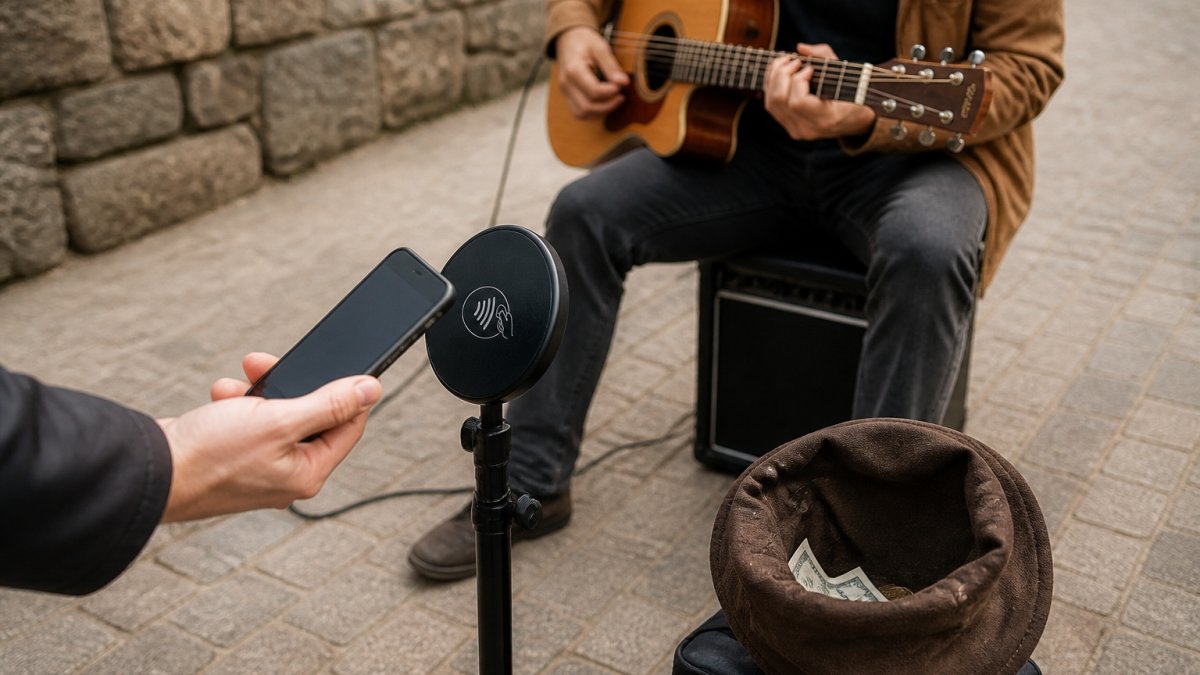
Halo Pulse adds a smartphone NFC/QR access point. A supporter taps a compatible smartphone to open the link, or scans the QR code, then chooses an amount and completes checkout on their phone. The tap opens the payment journey; it is not itself a completed payment.
Fees: My Fedora deducts 0% from the selected artist-support amount. Ordinary payment-provider fees may apply. Any additional supporter contribution to My Fedora is optional and unchecked by default.
Best fit: performers who want fans to access support independently while the act continues, with an artist profile available for follow-up.
Practical limit: the supporter’s phone needs internet access. Halo Pulse is not a bank-card reader, does not store card details and does not create or queue offline transactions. Complete your payment setup and test your checkout before displaying the sign.
2. Busk.co: tipping alongside a busker profile
The Busking Project’s official FAQ describes tipping through artist profiles, shared QR codes and BuskPay signs, alongside music sales and opportunities to be hired for events.
Its BuskPay setup guide explains that an activated sign takes a supporter to the artist’s tip page. You do not have to send everyone through a profile first.
Best fit: performers interested in a busking-focused profile and community as well as cashless tips.
Before choosing: connect the appropriate payment option and inspect a real checkout. Confirm the current charges and what changes when the supporter declines any optional fee contribution. Older fee explanations should not be treated as a guaranteed quote for your account.
For a closer look at two dedicated tipping services, read our TackPay vs Busk.co comparison.
3. TackPay: a personalised QR tipping page
TackPay’s artist page describes a tipping profile with a photo, biography and custom username, plus a downloadable QR code. It also explains that tips become available to withdraw after processing and verification. Receiving a tip and receiving money in your bank are separate steps.
Best fit: an artist looking for a dedicated tipping page they can display on a sign or share online.
Before choosing: check the fees, supported payout arrangements and identity-verification requirements for your location. A pricing example in pounds or euros is not an Australian fee quote. Test the supporter journey and withdrawal process before using it as your main payment option.
4. Square: contactless cards and QR payment links
Square offers two distinct routes. With Tap to Pay on iPhone or Tap to Pay on Android, a compatible phone and supported Square app can accept contactless cards and wallets without a separate reader. You enter the amount and present your phone for payment.
Square also provides payment links that can be shared as QR codes. It is therefore worth considering for online checkout as well as in-person payments.
Best fit: performers who also sell merchandise or can handle card payments between songs or after a show.
Practical limit: operating a phone for each in-person payment may interrupt a solo act. Check device compatibility, battery life and connectivity. Compare online and in-person processing rates separately; they are different payment methods.
5. Stripe Payment Links: a checkout without a custom website
Stripe Payment Links lets an eligible account holder create a hosted payment page without writing code or building a website, then share its link or QR code.
Stripe also documents a customer-chosen amount option. Confirm that your intended use and configuration are supported for your account. Describe artist support accurately when setting up the page.
Best fit: a performer who already uses Stripe and wants a straightforward checkout link without adding an artist platform.
Practical limit: you are responsible for the page’s presentation, amount settings and sign. A payment link alone does not create an artist profile or a discovery network. Test which payment methods appear on the devices your audience uses.
6. PayPal QR codes: a PayPal payment option
PayPal’s Australian QR guide describes creating a QR code in a business account, letting customers scan it and enter an amount, with the payment arriving in the PayPal account. The guide describes paying through the PayPal app and says customers can add a tip.
Best fit: a supplementary option when supporters already use PayPal.
Before choosing: test the flow with someone who is not already signed in. Do not assume every QR payment has an identical browser-only experience. Check PayPal’s current commercial payment fees rather than comparing its personal-transfer pricing with an artist checkout.
How to choose a payment app for your pitch
Start with the supporter’s journey
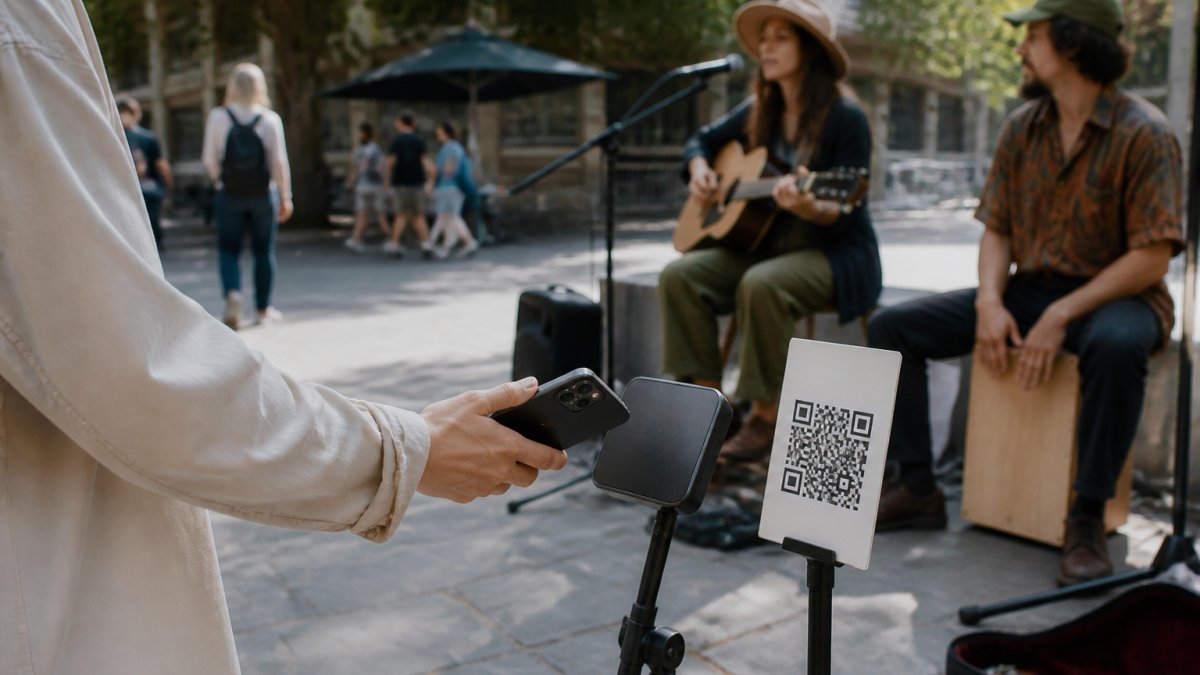
If both your hands are occupied, a visible QR sign can let supporters start checkout without waiting for you. If you regularly speak with people after a show and want to accept their physical cards, a compatible Tap to Pay phone or card reader may suit you better.
Keep the instruction precise. Use “Scan to support” beside a QR code. For Halo Pulse, use “Tap your phone to open the link.” Avoid a generic “Tap here” that could lead someone to present a bank card to an NFC link.
Compare the amount you actually receive
A free account does not necessarily mean free payment processing. For the amounts you expect to receive, write down:
- The amount selected for artist support.
- The total charged to the supporter.
- Any platform, processing, currency-conversion or withdrawal charges.
- The amount left for the artist.
- Any monthly or hardware cost.
Run the comparison with optional contributions both selected and declined where offered. Fixed charges matter particularly on small tips, so a headline percentage is not enough to compare providers fairly.
Plan for connectivity and payout delays
Mobile data can replace venue Wi-Fi. For a QR or NFC link to online checkout, the supporter’s phone still needs internet. A printed code cannot store a payment for later.
Keep a modest cash option if your pitch has unreliable coverage. Also distinguish a successful checkout from a completed bank payout: check the provider’s transaction status and payout schedule rather than relying on a supporter’s screenshot.
A five-step test before your next set
- Finish onboarding. Confirm the account can receive payments and that the payout destination is correct.
- Scan the actual printed sign. Check the artist name, destination, amounts and currency.
- Try more than one phone. Check readability, available payment methods and any sign-in prompts.
- Complete one small test payment. Confirm it appears in the provider’s records and review the net amount.
- Test at the pitch. Check mobile reception, glare and sign placement without blocking the audience’s path.
For more guidance on the printed side of your setup, see our QR code payments guide for independent artists.
Choose a setup you can use while performing
You do not need every payment app on this list. Choose one clear primary route, test it properly and add a backup only if it solves a real problem at your pitch.
To start with My Fedora, create your free account and generate your support QR code. Complete the required payment setup, check your live checkout and display the code where supporters can comfortably scan it. Add Halo Pulse if you would also like a smartphone NFC option.
Create your free My Fedora account and get your support QR
Frequently Asked Questions
What is the best busking payment app in 2026?
There is no single best choice for every act. My Fedora, Busk.co and TackPay offer artist-focused support flows. Square is useful for in-person card acceptance as well as payment links, while Stripe and PayPal offer direct payment options. Choose according to your country, checkout experience, fees and ability to handle payments during a set.
Can buskers accept contactless cards without a separate reader?
Yes. A compatible phone with a supported service such as Square Tap to Pay can accept contactless cards and wallets. This differs from Halo Pulse: Halo Pulse opens an online checkout on the supporter’s smartphone and cannot read a bank card.
Do supporters need to download an app to tip?
It depends on the service. My Fedora opens checkout in the supporter’s browser, without requiring a My Fedora app. Other providers have different flows; PayPal’s Australian QR guide describes payment through its app. Test your chosen method rather than assuming every QR code works the same way.
Can I accept digital tips without Wi-Fi?
Yes, if the required device has mobile data or another internet connection. For My Fedora, the supporter’s phone must be online to open checkout and pay. Halo Pulse does not create or queue offline payments.
Does My Fedora take a percentage of artist support?
My Fedora deducts 0% from the amount selected for artist support. Ordinary payment-provider fees may apply. Any additional supporter contribution to My Fedora is optional and unchecked by default.
Do I need Halo Pulse to use a My Fedora QR code?
No. You can display your support QR on a printed sign. Halo Pulse is an optional smartphone NFC/QR access point that opens the artist’s online checkout. In either case, complete the required payment setup and test the checkout before performing.