 blog
blog
Reliable Outdoor Payment Systems for Buskers in 2026
What Makes an Outdoor Payment System Reliable in 2026?
A reliable outdoor payment system makes it easy for someone to support a performer before the moment passes. For buskers, that usually means a clear display, a short payment journey, familiar payment options and a backup when one part of the setup fails.
There are three common ways to accept cashless support on the street:
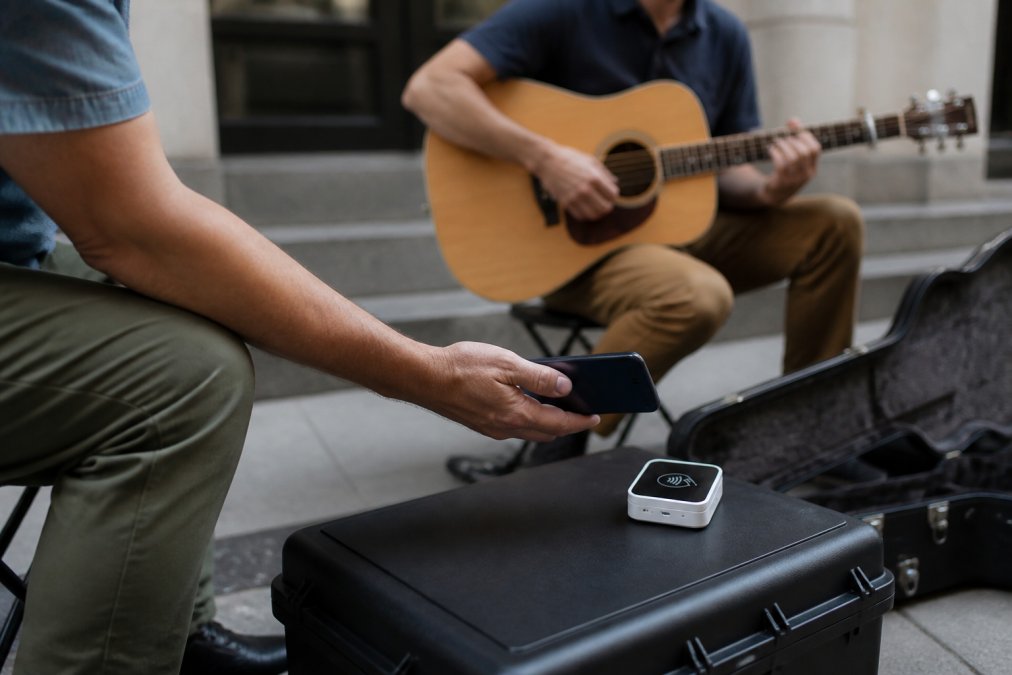
- A dedicated card reader that accepts a contactless card or mobile wallet.
- Tap to Pay on a compatible phone, where the performer's phone acts as the reader.
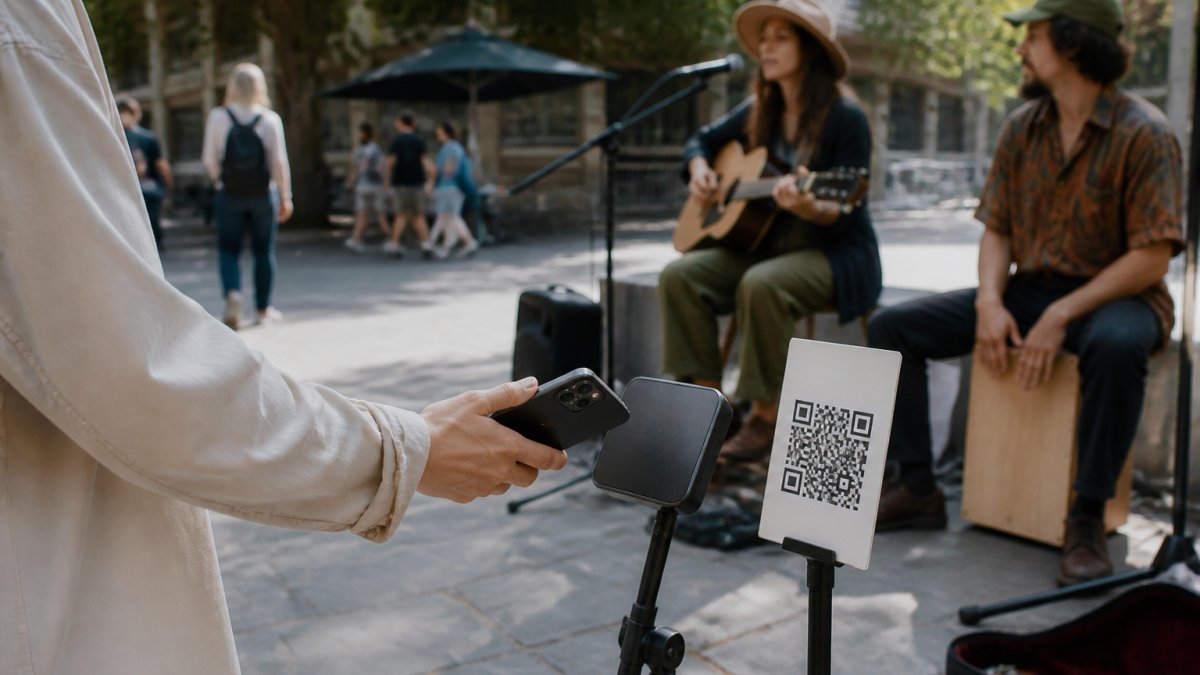
- An NFC or QR display that opens a secure checkout on the supporter's own phone.
These approaches are often grouped together, but they work differently. A dedicated reader captures a payment credential at the performer's device. An NFC or QR display simply directs the supporter to an online checkout. That distinction affects power, connectivity, security and what happens when the internet drops out.
Outdoor Durability and Weather Protection
Street equipment is exposed to rain, dust, vibration, drops and hurried packing. If a manufacturer publishes an IP rating, the first digit relates to protection from solid particles and the second to water ingress. An IK rating describes resistance to mechanical impact.
Do not assume that every product marketed for mobile sellers is weatherproof. Check the exact model's published specification and warranty before exposing it to rain. If no tested rating is stated, treat the equipment as weather-resistant only to the extent the manufacturer explicitly claims.
For practical street use:
- Keep phones, powered readers and charging ports under cover.
- Use a stable stand that cannot be knocked over easily.
- Carry a waterproof pouch for sudden weather changes.
- Inspect NFC labels and printed QR codes for lifting, damage or tampering.
- Test the complete setup after transport, not only when it is first assembled.
Connectivity, Fallbacks and Offline Payments
Every online payment eventually needs a network connection. The important question is where that connection is required and whether the selected provider supports any form of offline acceptance.
A dedicated reader may connect through a phone, Wi-Fi or cellular data. Some providers offer offline payments on specific devices, in particular countries and under particular risk limits. Offline acceptance is not universal, and a transaction taken offline can still fail when it is later submitted. Always check the current rules for your exact provider, account, device and location.
An NFC or QR display works differently. The tap or scan opens a webpage on the supporter's phone, so the supporter needs mobile data or Wi-Fi to load the checkout and complete payment. The QR code is a useful fallback if NFC is disabled, difficult to scan or unfamiliar to the supporter, but it is not a fallback for an internet outage.
For a busker, the most realistic backup is a mixed setup: digital support for cashless passers-by, a visible QR alongside NFC, and the option to accept cash when connectivity is unavailable.
Digital Tip Jar vs Physical Cash Box for Performers
The digital tip jar vs physical cash box for performers is not an either-or decision. Each covers a different part of the audience, and using both gives supporters a choice.
Factor | NFC or QR digital tip jar | Dedicated card reader | Physical cash box |
|---|---|---|---|
Supporter uses | Their own phone | Card, phone or watch | Coins or notes |
Performer needs power | No, if the display is passive | Usually yes | No |
Internet required | Yes, on the supporter's phone | Usually yes; offline features vary | No |
Transaction records | Recorded by the platform and payment provider | Recorded by the payment provider | Must be counted and recorded manually |
Cash held at the pitch | None | None | Yes |
Best suited to | Visible self-service support and an artist profile | Immediate in-person card acceptance | Supporters carrying cash and no-signal locations |
A physical cash box remains useful because it has no battery, network or compatibility requirement. Its disadvantages are equally clear: it creates a visible theft target, requires manual counting and gives the performer no automatic transaction history.
A digital system creates a payment record and can connect the supporter with the artist's wider profile, music and upcoming appearances. Its weakness is dependence on compatible technology and connectivity. The most resilient street setup keeps the simplicity of cash while making digital support obvious.
Essential Features for Outdoor Payment Systems in 2026
The best outdoor payment system is not necessarily the one with the longest feature list. It is the one that a passer-by can understand immediately and a performer can rely on throughout a set.
Fast NFC and QR Access
NFC and QR should lead directly to the support checkout, not to a homepage that forces the supporter to search for the payment button.
A strong setup provides both:
- NFC tap: quick for supporters who recognise the tap symbol and have NFC enabled.
- QR scan: familiar, visible and available on almost every modern smartphone camera.
- Clear instructions: wording such as “Tap below to support” and “Or scan to support” removes hesitation.
- A permanent link: the physical code should keep working if the artist later changes a display name or profile details.
The NFC tag in this kind of system does not charge a card. It stores a web link. The supporter taps the display with a phone, reviews the artist and amount on-screen, and then authorises payment through the available checkout method.
A Mobile Checkout Built for Passing Crowds
Street support is usually spontaneous, so every unnecessary screen increases the chance that someone abandons the payment.
Look for a checkout with:
- Suggested tip amounts plus a custom amount option.
- Large controls that are easy to use one-handed.
- A recognisable artist name and image, so the supporter knows the link is correct.
- Familiar payment methods available through the artist's connected provider.
- A clear confirmation after successful payment.
- No requirement for the supporter to create an account before paying.
Payment-method availability can vary by country, device, browser and the artist's connected payment provider. Avoid promising that every wallet or payment method will appear for every supporter.
Simple Power and Setup Requirements
Powered card readers must be charged and connected before the performance. If you use one, check its battery before leaving, carry a power bank and protect its charging port from moisture.
A passive NFC and QR display removes that part of the setup. It has no powered screen, radio connection or battery to manage; the supporter's phone handles the online journey. That can be particularly useful for performers who want to place a support point nearby while keeping their own phone available for music, filming or communication.
The trade-off is important: a passive display removes the performer's battery requirement, but it does not remove the supporter's need for a compatible phone and internet connection.
Transaction Visibility and Record Keeping
Useful payment systems show more than a final bank deposit. A performer should be able to review:
- The gross support amount.
- Platform and payment-processing fees.
- The net amount due to the artist.
- Payment status, including successful, pending, refunded or failed transactions where applicable.
- Payout history from the connected payment provider.
Check these records after the first live test and reconcile them regularly. If a provider offers an export, download it periodically instead of relying on a dashboard indefinitely.
Pro tip: Test the complete public journey on both an iPhone and an Android phone before using it at a performance. Confirm the NFC tap, QR scan, artist identity, tip amounts, payment options and success screen.
Key takeaway: Reliability is not a single hardware rating. For most buskers, it comes from clear placement, two ways to open the checkout, a short mobile payment flow, tested payout details and a cash fallback.
Best Contactless Payment Readers for Buskers
There is no single best contactless payment reader for every busker. The right option depends on whether you want to actively present a reader for each payment or let supporters complete the process independently on their own phones.
Approach | How it works | Main advantage | Main trade-off |
|---|---|---|---|
Dedicated card reader | The supporter taps a card, phone or watch on the performer's reader | Familiar in-person payment experience | Requires hardware, power and a supported connection |
Tap to Pay on phone | A compatible performer phone acts as the contactless reader | No separate reader to carry | Uses the performer's phone and depends on regional, device and provider support |
NFC and QR display | A tap or scan opens checkout on the supporter's phone | Passive, self-service and able to connect payment with an artist profile | Requires the supporter to have a compatible phone and internet access |
If you specifically want a card reader, compare providers using their current official information. Check:
- Availability in your country.
- Upfront hardware cost and transaction fees.
- Supported cards and mobile wallets.
- Whether a phone is required.
- Battery life and charging method.
- Published weather or impact protection.
- Offline-payment availability, limits and liability.
- Payout timing and refund handling.
If you want supporters to act without interrupting the performance, an NFC and QR display may suit the environment better. It is not a card reader, but it can make a secure phone-based checkout visible and easy to reach.
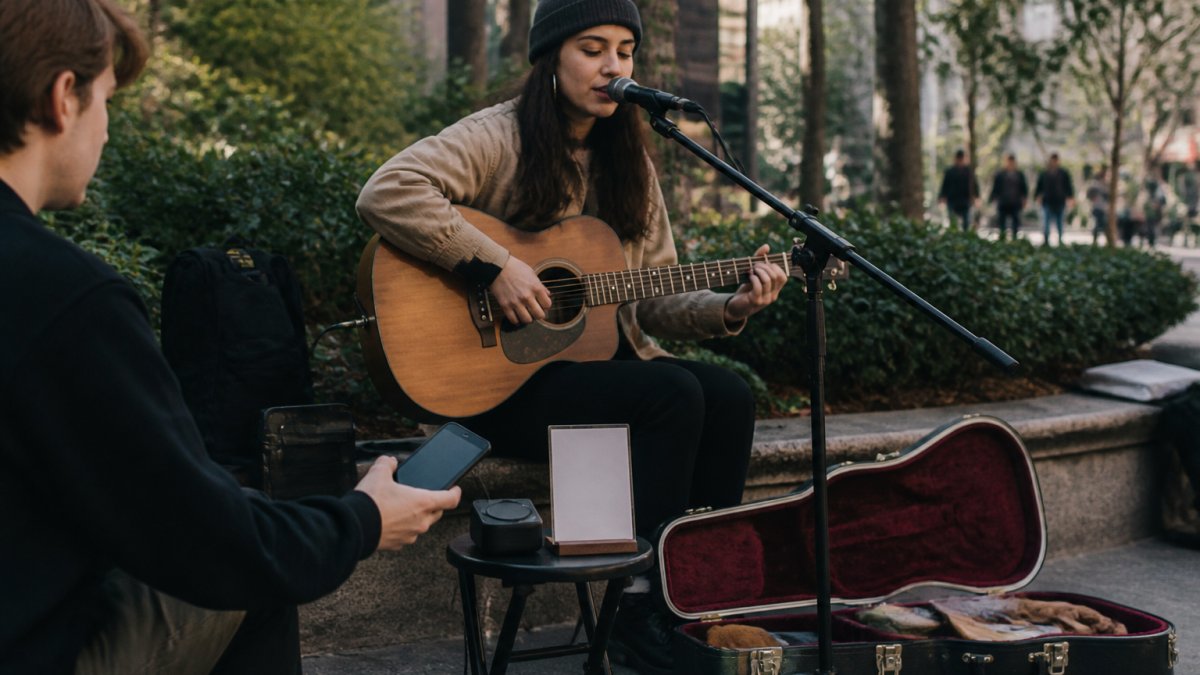
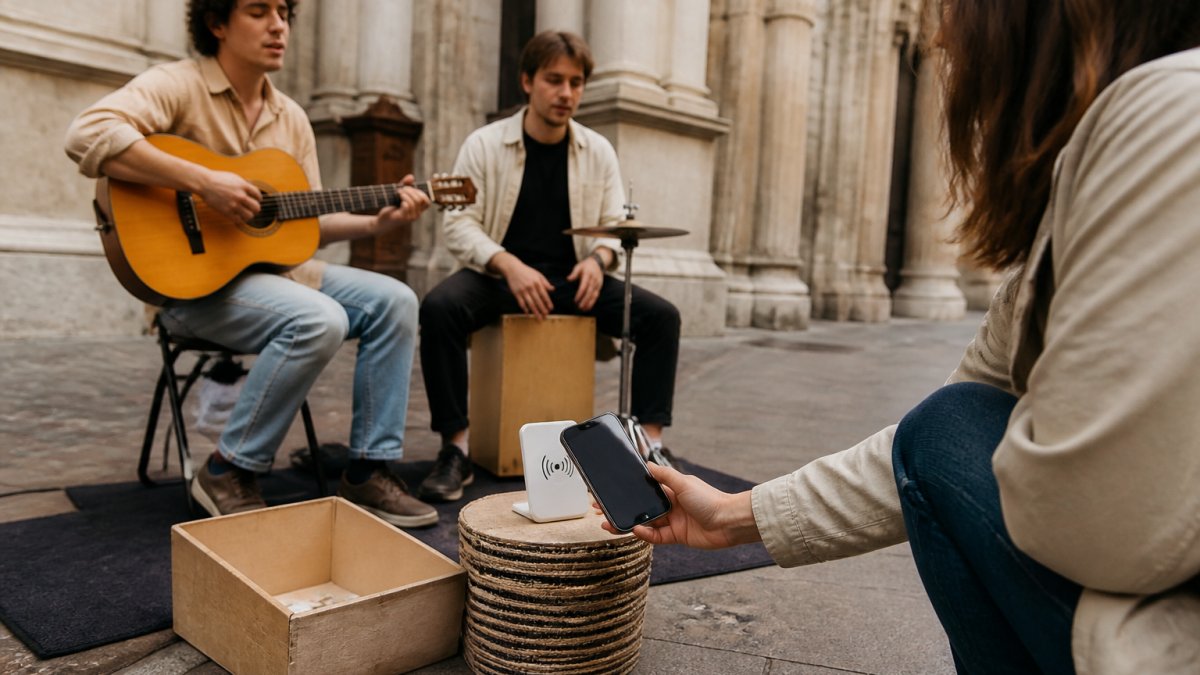
A visible, clearly labelled support point helps cashless passers-by understand what to do without interrupting the performance.
How to Accept Digital Tips on the Street
Learning how to accept digital tips on the street does not require a complicated point-of-sale setup. Start with the smallest system that gives supporters a clear, trustworthy path to payment.
- Create your artist profile. Use the same artist name and image that supporters will recognise at the performance.
- Connect a supported payment provider. Complete any identity and payout verification before going live.
- Create a direct support link. NFC and QR codes should open the artist's checkout rather than a general homepage.
- Choose your physical setup. Use a printed QR code, an NFC and QR display, a card reader, or a combination that fits the way you perform.
- Test a real small payment. Check the full journey from tap or scan through to the payment record and payout account.
- Place it where people can reach it naturally. Keep the display visible, stable and separate from cables, open cases or other visual clutter.
- Explain it briefly. A small sign and an occasional mention are enough; supporters should not need a spoken tutorial.
- Keep a fallback. Retain a cash option and, where practical, a spare printed QR code.
- Review the session. Reconcile successful payments, fees and payouts while the performance is still fresh in your mind.
Watch out: Never assume a successful tap or scan means a successful payment. With an NFC or QR system, the supporter must still complete and authorise the checkout on their phone.
Security and Compliance for Outdoor Payments
The security requirements depend on what the equipment actually does. A device that reads cards or accepts PIN entry has different obligations from a passive NFC tag or printed QR code that opens a hosted checkout.
A Card Reader and an NFC Link Are Not the Same Thing
The PCI Security Standards Council maintains security standards and listings for payment devices and solutions. PCI PTS requirements are relevant to point-of-interaction devices that handle payment credentials or PIN entry.
A passive NFC tag that contains a URL is not a payment terminal and should not be described as PCI-PTS certified. It does not read a supporter's bank card, collect a PIN or store card details. Its role is to open a webpage on the supporter's phone.
If you buy a dedicated card reader, use hardware supplied or approved by the payment provider and check the exact model in the provider's current documentation. Do not rely on a seller's generic claim that a device is “PCI compliant.”
Hosted Checkout and Payment Security
For online tips, use a reputable payment provider and a secure hosted or provider-controlled checkout. This keeps raw card entry within the payment provider's payment flow instead of asking the performer to collect or store card numbers.
Outsourcing card-data functions reduces the amount of payment data a small operator handles directly, but it does not mean security responsibilities disappear. The PCI Council's SAQ A is intended for eligible merchants whose cardholder-data functions are completely outsourced to validated third parties; the correct compliance path depends on the actual integration and the requirements of the merchant's provider or acquiring bank.
Good practice includes:
- Using HTTPS for every support link.
- Keeping platform and payment-provider accounts protected with unique passwords and multi-factor authentication.
- Never requesting card details by message, email or a custom form.
- Reviewing payment-provider alerts and account activity.
- Keeping recovery details and payout information current.
Physical Security and Link Protection
For a card reader, physical security means preventing theft and checking the casing for signs of interference. For an NFC or QR display, the main risks are theft, damage and link substitution.
Before each session:
- Confirm that the QR code opens the correct artist checkout.
- Test the NFC destination instead of assuming it is unchanged.
- Check that no sticker has been placed over the genuine QR code or NFC target.
- Position the display where the performer can see it without obstructing the audience.
- Pack the equipment away before leaving the pitch unattended.
The supporter's screen should clearly show the correct artist identity before payment. That visible confirmation is an important defence against a substituted link.
Record-Keeping Obligations for Australian Performers
Digital tips create income and transaction records that should be retained and reconciled. The Australian Taxation Office's business record-keeping guidance explains the records businesses need to keep and the required format and retention periods. Most business records must generally be kept for five years, although some records must be kept for longer.
Keep records of:
- Gross tips or support received.
- Platform and payment-processing fees.
- Refunds or chargebacks.
- Net payouts to the bank account.
- Relevant equipment and operating expenses.
Payment-provider exports are useful source records, but they should be reconciled with bank deposits and the rest of the performer's business records. Tax treatment depends on individual circumstances, so seek advice from a registered tax professional when needed.
Key takeaway: A passive NFC or QR display should be secured as a link to payment, not described as payment-terminal hardware. Card handling belongs inside the connected provider's secure payment flow, while the artist remains responsible for account security and accurate records.
Frequently Asked Questions
What is the best way to accept digital tips in 2026?
For many performers, the most practical setup combines a visible NFC and QR support point with a cash option. A dedicated reader can be useful when the performer wants to present a device for each transaction, while an NFC and QR display lets supporters complete payment independently on their own phones.
Can supporters tap a bank card directly on an NFC tip display?
Not unless the product is a genuine contactless card reader. A passive NFC display such as Halo Pulse is tapped with a compatible smartphone. The tap opens the artist's online support checkout, where the supporter chooses an amount and authorises payment using the methods available on that device and through the artist's connected provider.
Do NFC and QR tip systems work without internet access?
No. Both routes open an online checkout, so the supporter's phone needs mobile data or Wi-Fi. QR provides an alternative way to open the same destination if NFC is unavailable; it does not create an offline payment mode.
Can a card reader accept payments offline?
Some providers support offline payments on certain devices, accounts and markets, but the conditions vary and the payment may still be declined when uploaded later. Check the provider's current official terms rather than assuming offline mode is included.
Are contactless payments secure for street performers?
They can be when the performer uses approved reader hardware or sends supporters to a reputable hosted checkout. Protect the artist and payment-provider accounts with multi-factor authentication, inspect public QR and NFC displays for tampering, and never collect card details yourself.
Does an outdoor payment system need an IP rating?
An independently tested IP rating is useful for equipment that will be exposed to dust or water, but not every portable payment product has one. Check the exact manufacturer's specification. If no rating is published, keep the equipment sheltered rather than assuming it is rainproof.
Does Halo Pulse need charging?
No. Halo Pulse uses a passive NFC and QR approach, so there is no powered card reader or screen to charge. The supporter's phone opens and completes the online checkout.
Can a performer start with only a QR code?
Yes. My Fedora lets artists create a free profile and download a free support QR code for immediate use. A physical NFC display can be added later without changing the basic supporter journey.
What fees apply to My Fedora support payments?
Creating a My Fedora artist profile and downloading a support QR code are free. My Fedora collects a 2% platform fee on supported tip payments, and the connected payment provider's processing fees also apply. Payment methods and provider availability vary by country. Cashless crowds move quickly, but accepting digital support does not require a bulky payment terminal. My Fedora gives street artists a free profile and free downloadable QR code, while Halo Pulse adds a dedicated NFC and QR touchpoint for the street. Supporters use the phone already in their hand to open the artist's checkout, choose an amount and pay through the available connected provider. There is no subscription fee. My Fedora collects a small 2% platform fee on supported tip payments to keep the platform running, in addition to the connected payment provider's processing fees. Create your free profile and download your free QR code Explore Halo Pulse